Registration is limited to Google Gmail & MailRU & Yahoo & Yandex email addresses.
Do not create multi-accounts, you will be blocked!
All Activity
Past hour
-
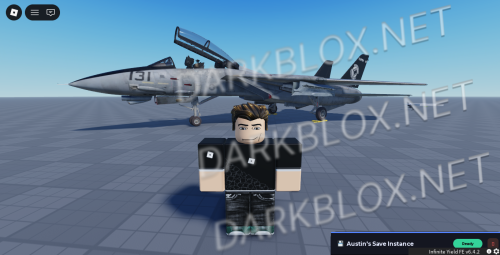 Jaku's F-14E test [Save Instanced]Heads up! I did NOT create this game, I only Save Instanced and uploaded it to DarkBlox for others to be able to have access to and use the file. All credits belong to the original owners, creators, and developers of the game. Enjoy and happy developing! 😃 You can make a Save Instance request by creating a Support Ticket within the [VS] Visionary Studios Discord Server (https://discord.gg/D3GusB9qWK). Disclaimers:I am not responsible for the quality of the game. I am not responsible for any bugs or missing assets, models, scripts, etc. I am not required to provide any additional support on how to make the game work. (BUT I am always willing to TRY my best to help you with any questions/issues you may have via DarkBlox Messages or Discord (@austinparks)) Before You Play:For the best chance of the game working, please ensure the following: You have published the game to Roblox. You have enabled HTTP Requests. You have enabled Studio Access to API services. Additional Notes:Based on the game, you may also need to do the following to ensure it works properly: Spoof or replace any missing animations. Replace any missing/deleted IDs for assets, animations, audios, decals, etc. Change the character rig type from R15 to R6 or vice versa Be sure to also check out the “THANK YOU!” script in the Explorer for possible solutions to other common problems.Free
 -
Jaku's F-14E test [Save Instanced] Jaku's F-14E test [Save Instanced]Heads up! I did NOT create this game, I only Save Instanced and uploaded it to DarkBlox for others to be able to have access to and use the file. All credits belong to the original owners, creators, and developers of the game. Enjoy and happy developing! 😃 You can make a Save Instance request by creating a Support Ticket within the [VS] Visionary Studios Discord Server (https://discord.gg/D3GusB9qWK). Disclaimers:I am not responsible for the quality of the game. I am not responsible for any bugs or missing assets, models, scripts, etc. I am not required to provide any additional support on how to make the game work. (BUT I am always willing to TRY my best to help you with any questions/issues you may have via DarkBlox Messages or Discord (@austinparks)) Before You Play:For the best chance of the game working, please ensure the following: You have published the game to Roblox. You have enabled HTTP Requests. You have enabled Studio Access to API services. Additional Notes:Based on the game, you may also need to do the following to ensure it works properly: Spoof or replace any missing animations. Replace any missing/deleted IDs for assets, animations, audios, decals, etc. Change the character rig type from R15 to R6 or vice versa Be sure to also check out the “THANK YOU!” script in the Explorer for possible solutions to other common problems. File Information Submitter Austin Parks Submitted 10/06/26 Category Dexxed & Maps View File
-
-
thatboyorton m joined the community
-
microwave.xyz joined the community
-
pattytravvy joined the community
-
tell666 joined the community
-
tinkewok joined the community
-
DisplayNameHaha joined the community
-
droz drozington joined the community
-
MRrat6005 changed their profile photo
-
contact me siyahprens on discord
Today
-
venn .sandyshores joined the community
-
been a while but i have this map if you still need it
-
bertoos changed their profile photo
-
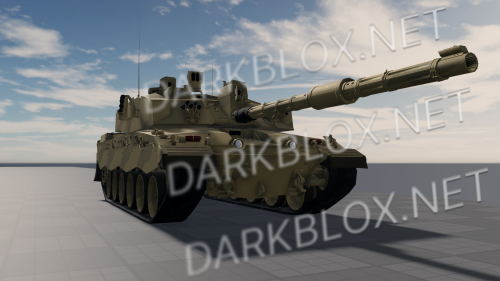 scripted?
 -
Trevor Kaiser changed their profile photo
-
giga changed their profile photo
-
Rio Gaming changed their profile photo
-
-
Yesterday
-
haddas73 changed their profile photo
-
Drevniy MineIr changed their profile photo
-
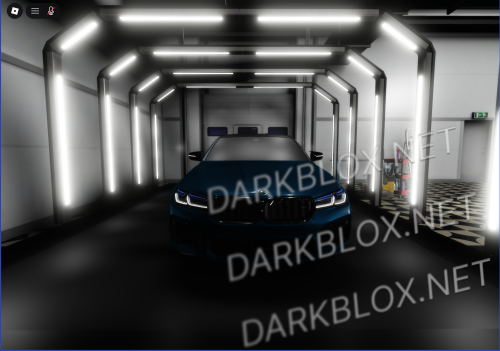 oh coincidence
 -
Ger4_7 changed their profile photo
-
8ourup changed their profile photo
-
Jack Capil changed their profile photo
-
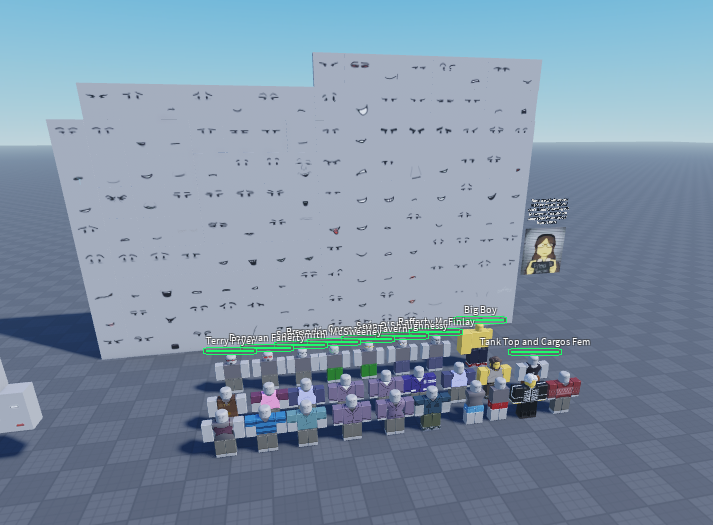
Hello, im requesting a blood debt facepack made by Cawrle. It’s very gatekept by the devs and artists, but i’ve heard it was asseted.
-
-
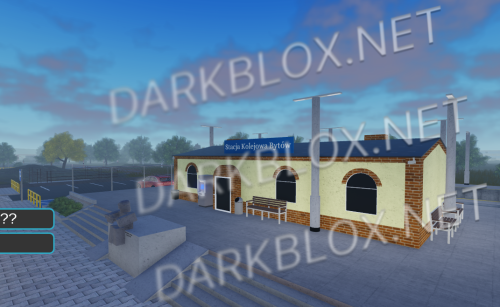 Kocie , wiecej takich rzeczy
 -
-
Jiggle physics is still very common; I see it in many files. All of the ones I saw use SmartBone by Celnak (usually an outdated version; therefore, they might break sometimes), which does not require ID verification, since they're just files.
-
Selling we remember juggernaut mode file and blood debt old/fan juggernaut mode ( all for 5 k only ?! and im owner so)
-
 Yo, thanks for leaving a comment. As for the MCSO vehicles and the PSP cars, they weren't added in the original post... Sorry about that. If you want to purchase MCSO and PSP vehicles you can contact pro.6969 on Discord, he has training center maps for Mano, all vehicles, etc.
 -
-
-
-
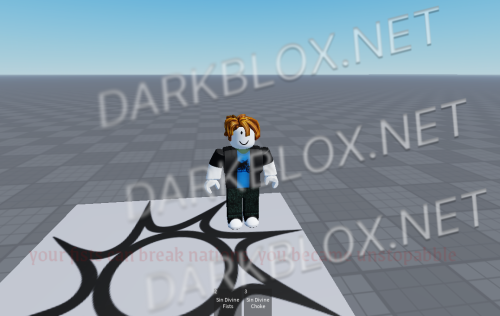 my system based on the Sin Divine from Gorebox 27 (with Verse Curse Voicelines)Free
 -
My Sin Divine my system based on the Sin Divine from Gorebox 27 (with Verse Curse Voicelines) File Information Submitter abueleteblogs3 Submitted 10/06/26 Category Systems View File

-
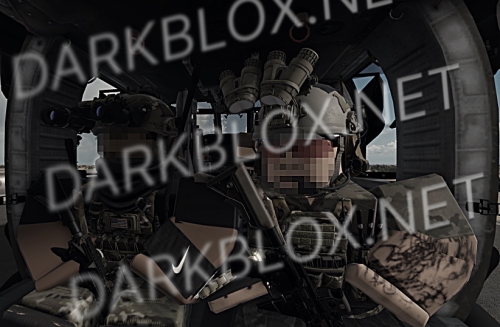 For some reason when I try and move all the systems from the baseplate to my new game under my group it breaks the system?
 -
https://www.roblox.com/games/70693812411225/The-Great-Plains-Offensive#!/game-instances would love if anyone could saveinstance the game especially the gun system
-
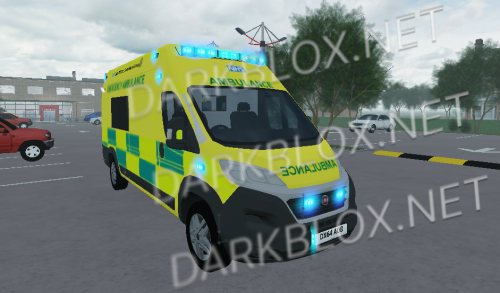 you got any more of his cars?
 -








.thumb.jpg.798b5b17ad370091b7ab0e164a2bace0.jpg)




Important Information
By continuing to use this site, you agree to our Terms of Use and Privacy Policy. We have placed cookies on your device to help make this website better. You can adjust your cookie settings, otherwise we'll assume you're okay to continue.