Skip to content
Do not create multi-accounts, you will be blocked!

Originality Latest 2.7.1

(0 reviews)

1 Screenshot

I guess since ryan alr asseted this file, im reposting this on darkblox. Im co-owner for orig so i can asset it :0, contact me if u wanna talk
discord: @ameramiyao

User Feedback

Recommended Comments

amerami4444

Active Member

1 backdoor in adonis settings, remove it.

amerami4444

Active Member

uhh i made it so u can't change dev products id's so dont try jewing off originality file! skids

amerami4444

Active Member

to remove adonis backdoor
search ctlr+f in settings
table.insert and remove the line

zarc

Active Member

amerami how tf do i reupload animations if my reuploader cant for some reasom

amerami4444

Active Member

use kartfr, google "kartfr"

DarkBlox_Lurker

Active Member

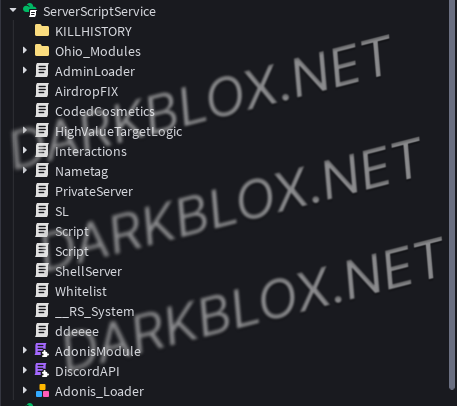
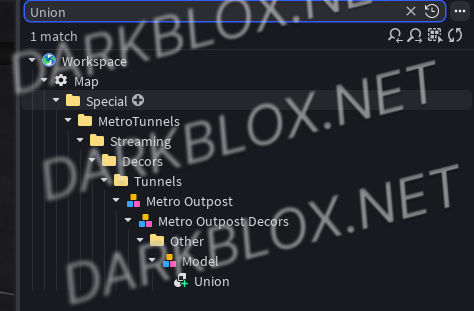
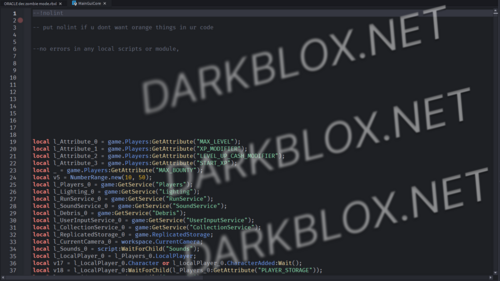
image.png
image.png

image.png

skids 😅
to whoever downloads this just delete this bullshit, happy feeding off asseted files!

amerami4444

Active Member

On 2/26/2026 at 2:02 AM, DarkBlox_Lurker said:

image.png
image.png

image.png

skids 😅
to whoever downloads this just delete this bullshit, happy feeding off asseted files!

ctrl+a - delete, iv mentioned this. this isn't the only done, atm handler or dev product handler is also

zarc

Active Member

amerami how do i delete random avatar/random name option

amerami4444

Active Member

On 2/27/2026 at 3:04 PM, zarc said:

amerami how do i delete random avatar/random name option

go into uh gamemode rules
Game.GameModeRules and select standard or casual or delta? whichever ur file has selected, then add this inside the table

NoIncognito = true;
image.png

amerami4444

Active Member

On 2/27/2026 at 3:04 PM, zarc said:

amerami how do i delete random avatar/random name option

same guy banning me for D*xxing without proof and then calling me for help 💀lmao skid

Tuvbell

Member

how to get owner

Create an account or sign in to comment

Other files from amerami4444


Powered by darkblox.net

Account

Navigation

Search

Search

Configure browser push notifications

Chrome (Android)
  1. Tap the lock icon next to the address bar.
  2. Tap Permissions → Notifications.
  3. Adjust your preference.
Chrome (Desktop)
  1. Click the padlock icon in the address bar.
  2. Select Site settings.
  3. Find Notifications and adjust your preference.