

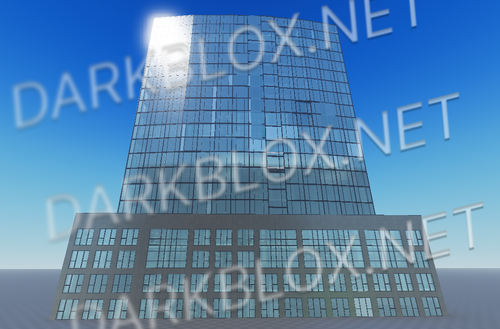
Experience this brand-new Medical Center, built from the ground up in a completely unique location. The exterior has been entirely redesigned, and the old news building has been removed.
Here’s what it includes:
Custom Exterior with an integrated city park
Double Helipad accessible via elevators
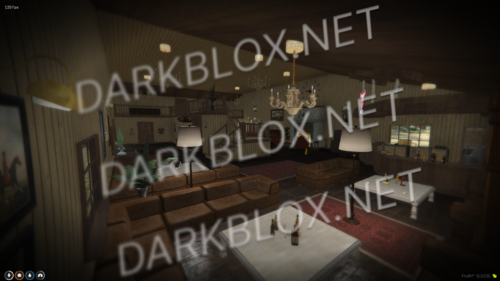
Lobby Area featuring two waiting areas with seating and a gift shop
Recovery Area with dual entrances and six beds
ICU Area with check-in and four private rooms
MRI Suite with a custom MRI machine and a dedicated doctor’s room
Two Surgery Rooms
Cafeteria with an additional waiting area
Two Private Offices for doctors, boss etc
Locker Room equipped with six showers
Bathrooms for staff and visitors
Full-Size Underground Parking with elevator access to the main hospital, including:
Reserved parking for four ambulances
Easy access to the morgue
Morgue with two metal tables
As you enter, you’ll find two staircases leading to the second floor, where majority of your roleplay scenarios will happen—from surgeries to routine check-ups. Right by the staircases, there’s a welcoming reception area featuring two stunning waterfalls. Behind the reception, you’ll find a locker area and two offices designated for your managers, ensuring a seamless and immersive experience. Additionally, the Medical Center includes a cafeteria where you can grab a quick bite, a dedicated gift shop section for thoughtful purchases, and two spacious waiting areas to accommodate patients and visitors comfortably.





You may only provide a review once you have downloaded the file.
There are no reviews to display.