

It's recommended to buy this pack instead since it has Kabul and 2 more maps for the same price.
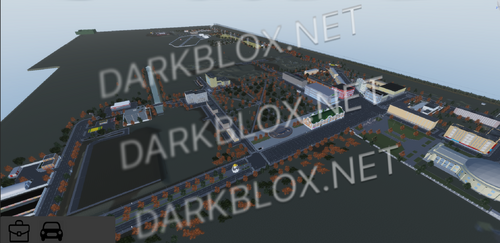
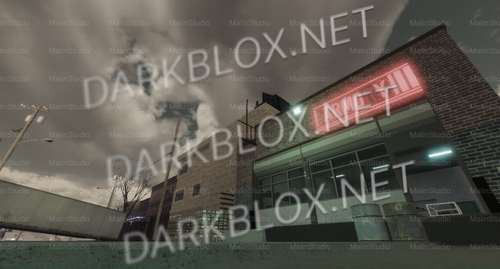
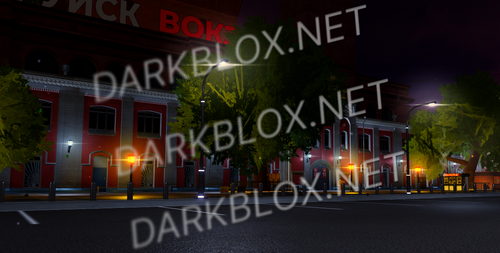
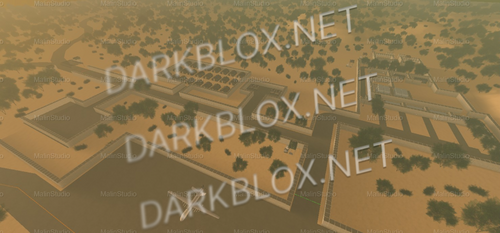
Kabul, Afghanistan is a big, scripted Milsim map that has everything you need to start your own American/Syrian/Russian unit, it's very multi-purpose. You can deploy in this map, practice your skills in the custom CQB Killhouse, ride around in the MANY vehicles it has, or simply enjoy the amazing ACS that this map offers.
This excellent map features:
- Two sides: Russia and America
- Each side features their own:
- Large FOB's
- Gear
- Armored Vehicles
- Helicopters
- Guns
- Uniforms
- Meeting/briefing areas with scripted chairs and tables you can sit on
- Buildings and tents with fully furnished interior
- CQB Killhouses
- Lookout towers
- MUCH more
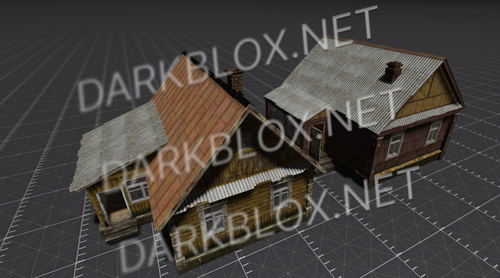
- A big city and many smaller villages around the map with raidable buildings
- Buildings have nice touches such as sniper holes in them
- A couple mosques
- This map includes an option to customize your map with landmines to enhance your Milsim experience
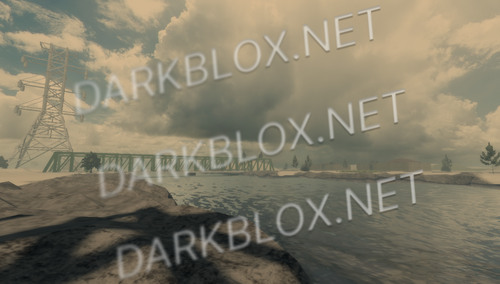
- Amazing Terrain
- Day and Night options
- A whole Medical Camp with:
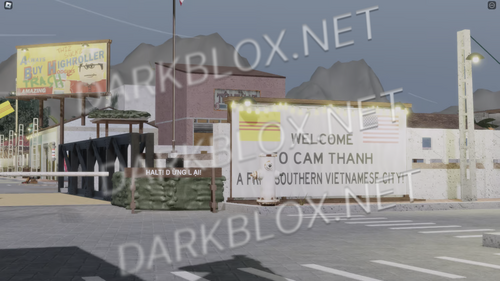
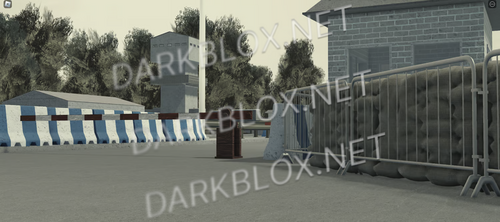
- A checkpoint
- Hospital with fully-furnished interior
- Army tents with interior
- A couple army tents
- Conference areas
- No lag
- Many other spots for your usage
This map is amazing value and it's built with Milsim usage in mind. Everything is meticulously tinkered to suit your needs. This map is all you need to start your own American or Russian or Syrian unit. Well then what are you waiting for? Go ahead and start it!

You may only provide a review once you have downloaded the file.
There are no reviews to display.