Skip to content
Do not create multi-accounts, you will be blocked!
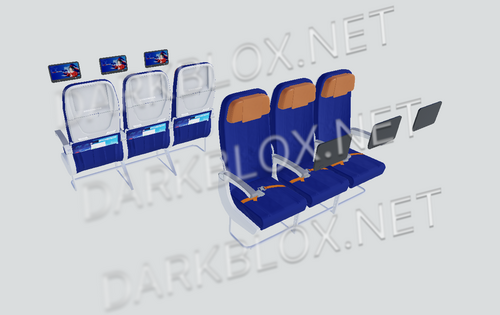
American 737-200

(1 review)

1 Screenshot

American 737-200

User Feedback

You may only provide a review once you have downloaded the file.

   3 of 3 members found this review helpful 3 / 3 members

enter the id: 9351628972 for the ryanair livery on this thing

INSTRUCTIONS OF HOW TO PUT THE LIVERY ON:

  1. SEARCH "LIVERY" IN THE EXPLORER SEARCH BAR

  2. ON EACH 1 INSERT, REMOVE THE "SURFACE APPEARANCE" THEN ON THE MESH ITSELF, INSERT THE ID I SAID PREVIOUSLY

  3. DO THIS FOR EVERY PART

  4. THEN FOR THE NOSE, SEARCH "Meshes/737-200 eyebrow windows_Plane" IN THE EXPLORER SEARCH BAR THEN INSERT "9351628972" ON THE MESH ITSELF THEN REMOVE THE "SURFACE APPEARANCE"

  5. DO FOR BOTH .036 & .055 BUT NOT .068

  6. YOU SHOULD NOW HAVE THE RYANAIR LIVERY ON THE IMAGE

  7. FOR THE TAIL ALSO, SEARCH "Meshes/fixed tail_Cylinder" AND INSERT THE ID PREVIOUSLY SAID ON BOTH

  8. YAY YOU DID IT

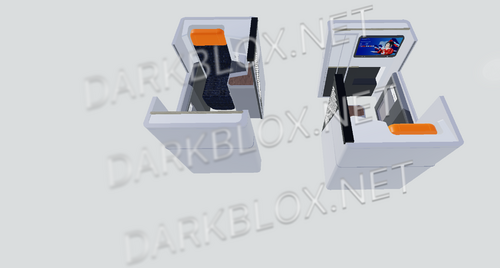
RobloxScreenShot20250219_052125822.png

RobloxScreenShot20250219_053108950.png

Other files from what


Powered by darkblox.net

Account

Navigation

Search

Search

Configure browser push notifications

Chrome (Android)
  1. Tap the lock icon next to the address bar.
  2. Tap Permissions → Notifications.
  3. Adjust your preference.
Chrome (Desktop)
  1. Click the padlock icon in the address bar.
  2. Select Site settings.
  3. Find Notifications and adjust your preference.