


Map and Environment
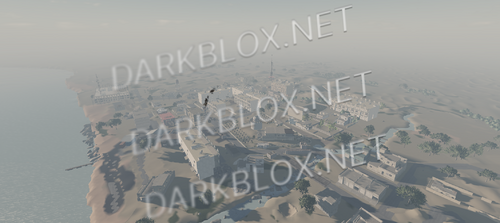
– Expansive Map: 4328 x 3124 Studs
– Highly Detailed Streets: Accurate 1:1 Road Layout of Real-Life Compton
– Multiple Neighborhoods with Extremely Detailed Houses (with interiors)
– Industrial Area
– Train Railways
– Lots of Parking Lots
– Various Playgrounds
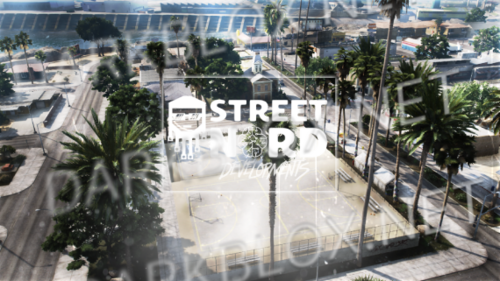
– Multiple Basketball Courts
Buildings and Interiors
– Authentic 1:1 Replica of Real-Life Compton
– Numerous Shops and Buildings
– Extremely Detailed Buildings with High-Quality Interiors
– Multiple Convenience Stores
– Several Petrol Stations
Specific Buildings
– Compton Civic Center Plaza
– Domino’s Building (with interior)
– Barber Shop (with interior)
– McDonald’s Building (with interior)
– Superior Groceries Building
– Sunshine Medical Clinic
– Gun Stores
– Dairy Queen Building (with interior)
– CVS Pharmacy Building (with expansive interior)
– City of Compton Public Library (part of the Los Angeles County Library System)
– Compton Sheriff Station (with underground jail)
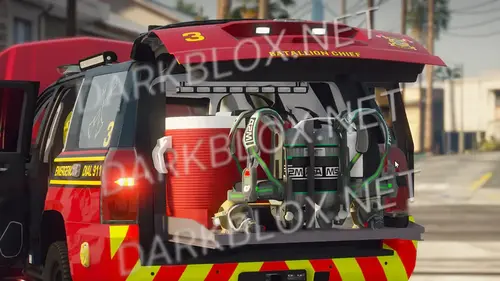
– Compton Fire Department Headquarters (with interior)
– Los Angeles County Medical Examiner-Coroner (no interior)
– Compton High School (no interior) with a Huge Court Beside It
What's New in Version 12/25/24 08:22 AM
Released
No changelog available for this version.






Recommended Comments
Create an account or sign in to comment