


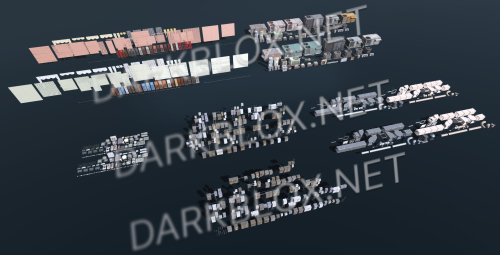
Meshparts - Static Props/Exterior Only
Make sure to set (Mesh Detail Level 00)
Do not create multi-accounts, you will be blocked!
Have a special Question? Try to message author!
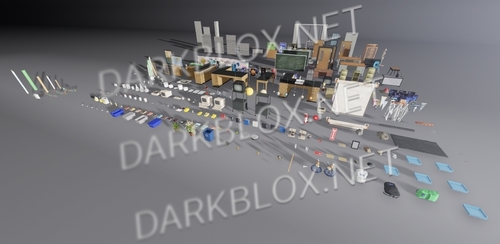
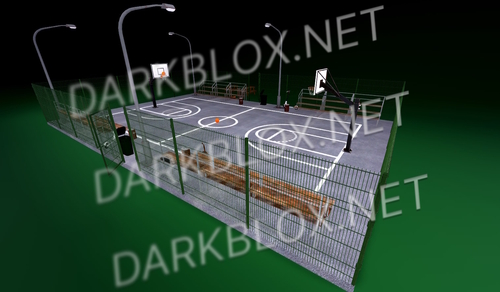
2 Screenshots
User Feedback
Other files from acpeak
-
Free
- 206 Downloads
- 3.71 MB
-
- 60 Downloads
- 11.78 MB
-
Free
- 101 Downloads
- 1.19 MB
-
- 149 Downloads
- 3.62 MB
-
- 151 Downloads
- 12.44 MB
-
- 80 Downloads
- 15.21 MB
-
- 197 Downloads
- 673.8 kB
-
- 124 Downloads
- 3.28 MB
-
- 245 Downloads
- 956.42 kB
-
Free
- 101 Downloads
- 2 {!#[1:comment][?:comments]}
- 504.54 kB
-
- 59 Downloads
- 2.28 MB
-
- 117 Downloads
- 2.37 MB
-
- 89 Downloads
- 6.57 MB
-
- 143 Downloads
- 16.53 MB




You may only provide a review once you have downloaded the file.