Skip to content
Do not create multi-accounts, you will be blocked!

Warfighter Engine Custom ACS

(6 reviews)

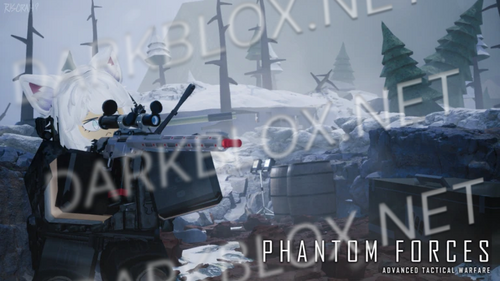
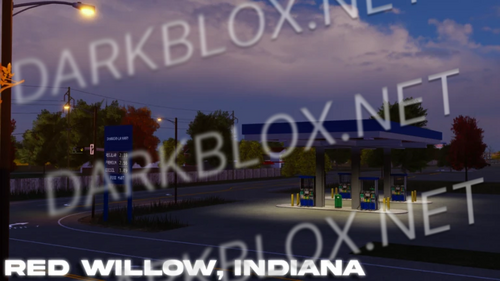
3 Screenshots

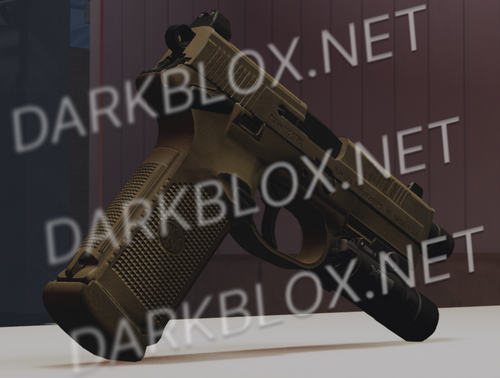
One of the best known gun systems on the platform ACS has been brought to a new level. Comes with a range of features from Custom Sounds depending on if your inside or outside to a third person. This Engine has it all. Wanting an advanced night vision system? Or locker system? WARFIGHTER has it. For only £15

WATCH IT IN ACTION

KEYBINDS

CycleAimpart = T

CycleLaser = V

CycleLight = B

CycleFiremode = F

CheckMag = Y

Suppressor = J

ZeroDown = LeftBracket

ZeroUp = RightBracket

BrightUp = Equals

BrightDown = Minus

Alt look= CapsLock

ShoulderTapKey = H

PatrolKey = U

Change Gun Stance = LeftControl + Scrollwheel Up/Scrollwheel Down

Change Zoom = LeftShift + Scrollwheel Up/Scrollwheel Down

PlayerActionsSelf = Z

PlayerActionOthers = LeftAlt

MagnifierKey = RightAlt

What's New in Version 12/27/24 10:31 AM

Released

No changelog available for this version.

User Feedback

You may only provide a review once you have downloaded the file.

   1 of 1 member found this review helpful 1 / 1 member

gun dont have sound


Is there any way to fix the animations or spoof them?

   1 of 1 member found this review helpful 1 / 1 member

@B0r0o0d0i0e0 Guns are located in the locker system, that is the Red box in the middle of the spawn. It is listed in ReplicateStorage as "Weapons"

Works decent, has a few broken animations, but over all it's a "Custom" ACS system.

   2 of 8 members found this review helpful 2 / 8 members

no guns


This is really nice and works great and is useable for anything

   0 of 1 member found this review helpful 0 / 1 member

thank you

Other files from JESUS


Powered by darkblox.net

Account

Navigation

Search

Search

Configure browser push notifications

Chrome (Android)
  1. Tap the lock icon next to the address bar.
  2. Tap Permissions → Notifications.
  3. Adjust your preference.
Chrome (Desktop)
  1. Click the padlock icon in the address bar.
  2. Select Site settings.
  3. Find Notifications and adjust your preference.