Skip to content
Do not create multi-accounts, you will be blocked!

MILITARY GUI V2 1.0.0

(3 reviews)

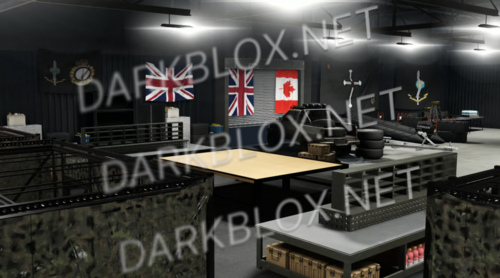
2 Screenshots

- What military gui you see in roblox has inspired the design of the ui.
-This UI is designed for use in Military Games, such as hosting a tryout, announcing an event, gamepass/store, profile, settings and game rules.

Features:

  •  Announcement System

  •  Military Event System- [Teleport, Teleport Options with 6 available locations.] [v2]

  •  Settings

  •  Profile

  •  Game rules

User Feedback

You may only provide a review once you have downloaded the file.


UI and stuff works fine but how do I announce events and stuff?

   2 of 4 members found this review helpful 2 / 4 members

Well the gui and everything is good but it's a virus script that you can't modify on your own, it's full of Wolf Hub crap things that will break your game

   0 of 1 member found this review helpful 0 / 1 member

4/5

Other files from Cow


Powered by darkblox.net

Account

Navigation

Search

Search

Configure browser push notifications

Chrome (Android)
  1. Tap the lock icon next to the address bar.
  2. Tap Permissions → Notifications.
  3. Adjust your preference.
Chrome (Desktop)
  1. Click the padlock icon in the address bar.
  2. Select Site settings.
  3. Find Notifications and adjust your preference.