Skip to content
Do not create multi-accounts, you will be blocked!

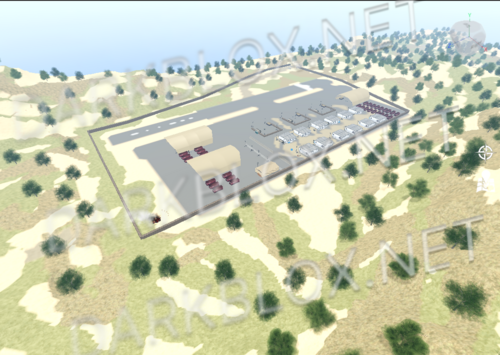
Quantum Science Energy Research Facility|look at description 1.0.0

(6 reviews)

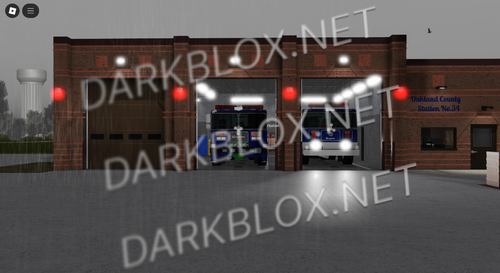
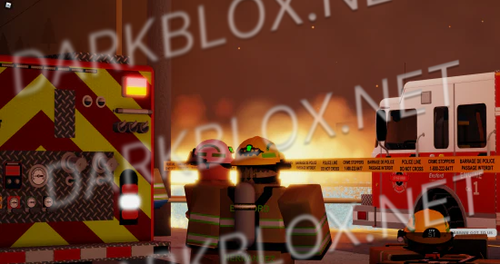
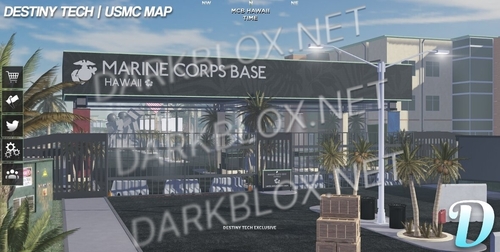
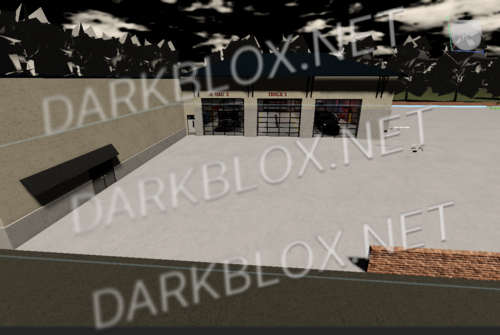
2 Screenshots

HAPPY NEW YEARS FROM ME, THIS IS MY RELEASE (maybe if you guys give it enough downloads i might release a folder full of QSERF stuff ;) (if i can find it)

Fully scripted || NOT EVERYTHING WORKS DO NOT COME TO ME FOR IT BUT ALL THE MAIN COMPONENTS WORK

sort of a new version not the newest of the new since i the guy that i got this from doesn’t like to respond anymore

pretty big map

everything that you need is there

User Feedback

You may only provide a review once you have downloaded the file.

   2 of 2 members found this review helpful 2 / 2 members

This is REALLY good and very rare. But how do you fix Please wait from maintenance mode?

   1 of 6 members found this review helpful 1 / 6 members

This is total bullshit, neither of the main components work, meltdown, maintenance mode and everything in coremodules has dozens of errors and is broken. The map itself is nice, therefore it gets a 3 star rating.

Response from the author:

Late response to this, but if you read the description it clearly says NOT EVERYTHING WORKS

   2 of 2 members found this review helpful 2 / 2 members

Just like the publisher said that not everything works, overall, a really rare file however the “Maintenance Mode” is broken, because when you go eject the Fuel cells, you will only get a message saying “Please Wait.”

   2 of 2 members found this review helpful 2 / 2 members

I’ve been looking for a newer version of QSERF and this is the best since is very rare, thanks man.
The only thing is that some things don’t work but this is mostly content that the creator deleted but i love it.

Guest

Guest

   2 of 2 members found this review helpful 2 / 2 members

Tatarus has been updated and the Map was revamped this is mid

Response from the author:

Like i stated in the description, sort of a new version not the newest of the new since i the guy that i got this from doesn’t like to respond anymore

   4 of 4 members found this review helpful 4 / 4 members

This is fire, we need the entire file!😀

Other files from DriftingCowboy


Powered by darkblox.net

Account

Navigation

Search

Search

Configure browser push notifications

Chrome (Android)
  1. Tap the lock icon next to the address bar.
  2. Tap Permissions → Notifications.
  3. Adjust your preference.
Chrome (Desktop)
  1. Click the padlock icon in the address bar.
  2. Select Site settings.
  3. Find Notifications and adjust your preference.