Skip to content
Do not create multi-accounts, you will be blocked!

( working } QSERF + Blast Shelters 1.0.0

(10 reviews)

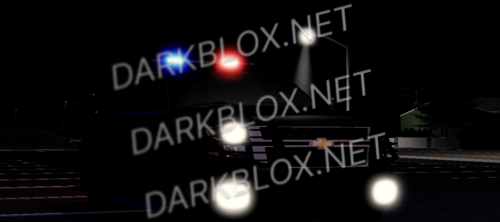
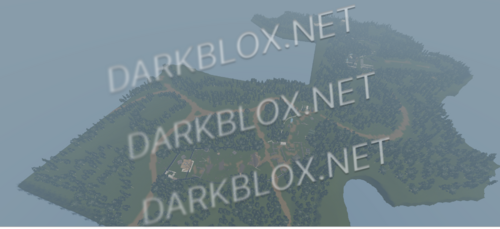
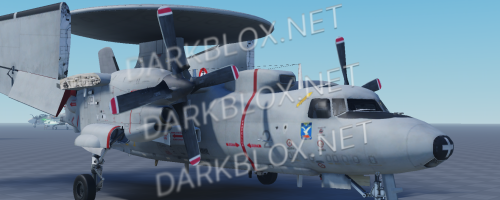
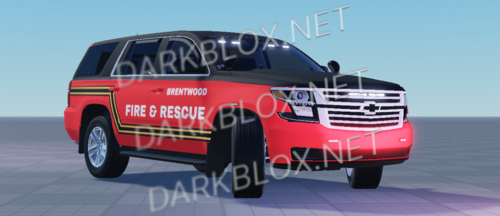
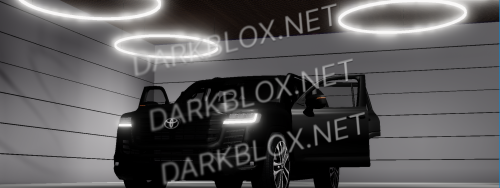
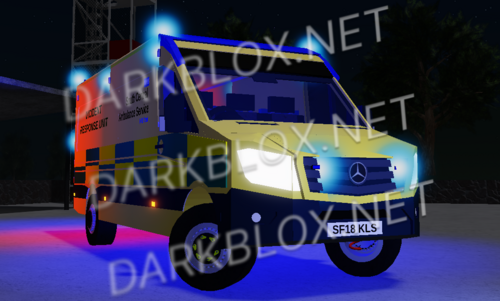
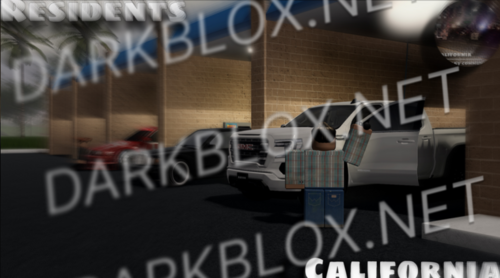
3 Screenshots

i have had this for a long time and i seen @Bravo post one but not everything worked in his. I fixed everything enjoy LEAVE A REVEW

What's New in Version 1.0.0

Released

photo

User Feedback

You may only provide a review once you have downloaded the file.


cool

   2 of 2 members found this review helpful 2 / 2 members

yo how do we set the animations, like for some reason even after re-uploading all animations for each guns, the guns still have issues as an example when i take any tool, they clone inside my torso

   3 of 4 members found this review helpful 3 / 4 members

Good map overall, but there is a weird loading screen that I can't seem to find in the explorer and get rid of.

   2 of 9 members found this review helpful 2 / 9 members

How bad of a founder you need to be to delete and edit comments of a asset only because how his opinion.

   3 of 4 members found this review helpful 3 / 4 members

Love this 😀

   1 of 3 members found this review helpful 1 / 3 members

Love this thx

   2 of 3 members found this review helpful 2 / 3 members

Good!

Response from the author:

thank you

   2 of 4 members found this review helpful 2 / 4 members

OMG, give this man some money for this! thnx you so much

Response from the author:

thx

Guest

Guest

   1 of 3 members found this review helpful 1 / 3 members

love this

   4 of 6 members found this review helpful 4 / 6 members

thank you fr :pray:

Response from the author:

YOUR WELCOME

Other files from Stage Builder


Powered by darkblox.net

Account

Navigation

Search

Search

Configure browser push notifications

Chrome (Android)
  1. Tap the lock icon next to the address bar.
  2. Tap Permissions → Notifications.
  3. Adjust your preference.
Chrome (Desktop)
  1. Click the padlock icon in the address bar.
  2. Select Site settings.
  3. Find Notifications and adjust your preference.