Skip to content
Do not create multi-accounts, you will be blocked!

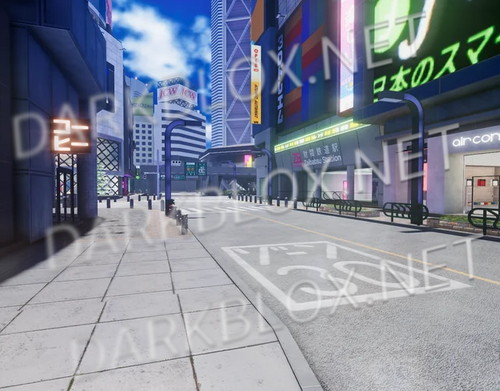
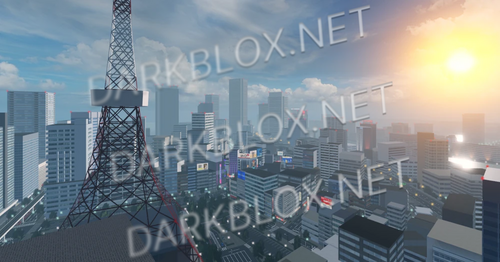
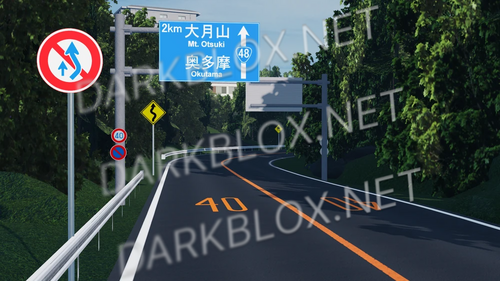
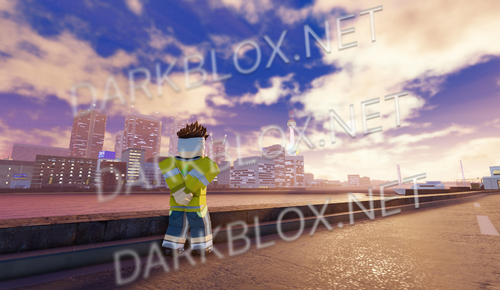
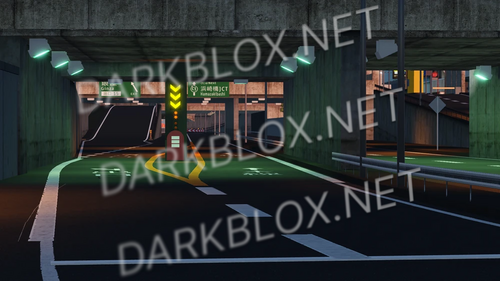
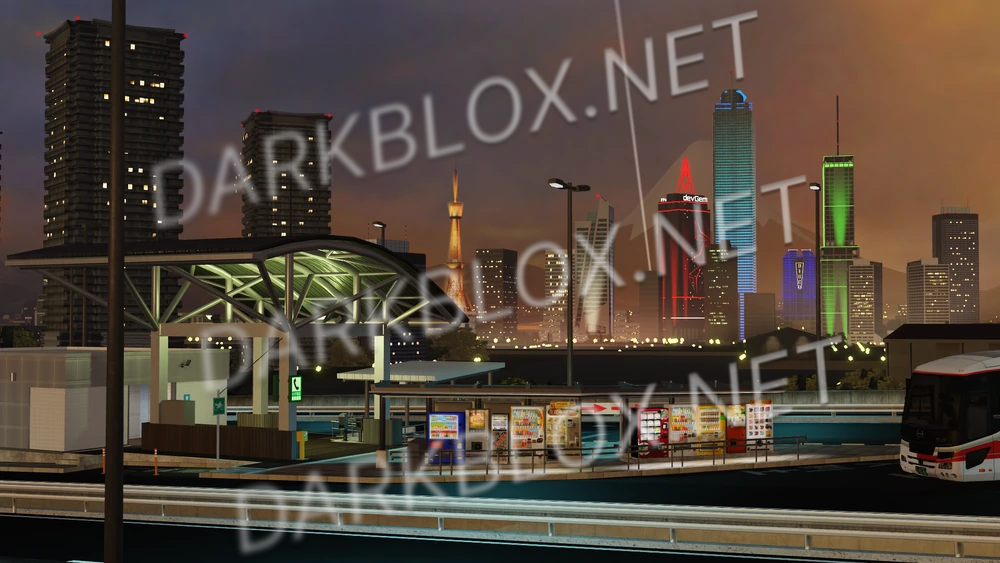
MRT Tokyo Bay Area 1.0.0

(0 reviews)

1 Screenshot

no scripts and no terrain (if thre is any lol)

User Feedback

Recommended Comments

UNDER UNDER LOST

Active Member

Why you did delete script?

wimbledon.leaked

Active Member

1 hour ago, UNDER UNDER LOST said:

Why you did delete script?

this game is decompiled, scripts dont save

UNDER UNDER LOST

Active Member

On 1/17/2025 at 12:13 PM, wimbledon.asseted said:

このゲームは逆コンパイルされており、スクリプトは保存されません

ok

PowerIsPower

Active Member

Hey, how can I tell if this is legit? So far the only image shown is from their Fandoms website, and there isn't really many reviews or any comments that assure me that this is legit and safe besides the map being decompiled and rid of any scripts.. I'm a bit of a "better safe than sorry" type of person, so I apologize if this may seem annoying.

PowerIsPower

Active Member

On 2/15/2025 at 8:32 AM, Dave Chebic said:

Hey, how can I tell if this is legit? So far the only image shown is from their Fandoms website, and there isn't really many reviews or any comments that assure me that this is legit and safe besides the map being decompiled and rid of any scripts.. I'm a bit of a "better safe than sorry" type of person, so I apologize if this may seem annoying.

nvm lol, it's gucci

wimbledon.leaked

Active Member

On 2/19/2025 at 1:06 AM, maherblaze14_28414 said:

why are some roads missing?

no idea, i saved this for a friend and didnt really care to check for everything. sorry.

PowerIsPower

Active Member

On 2/18/2025 at 7:06 AM, maherblaze14_28414 said:

why are some roads missing?

The entirety of the highway towards the bay area is gone, lol, otherwise it's best used to grab assets and lighting from.

QuattroDev

Active Member

Damn, the map isn't complete :(

On 2/21/2025 at 5:52 AM, wimbledon.asseted said:

no idea, i saved this for a friend and didnt really care to check for everything. sorry.

its fine

Nani

Member

Will you ever update the map?

Create an account or sign in to comment

Other files from wimbledon.leaked


Powered by darkblox.net

Account

Navigation

Search

Search

Configure browser push notifications

Chrome (Android)
  1. Tap the lock icon next to the address bar.
  2. Tap Permissions → Notifications.
  3. Adjust your preference.
Chrome (Desktop)
  1. Click the padlock icon in the address bar.
  2. Select Site settings.
  3. Find Notifications and adjust your preference.