


This was £30 from glaze
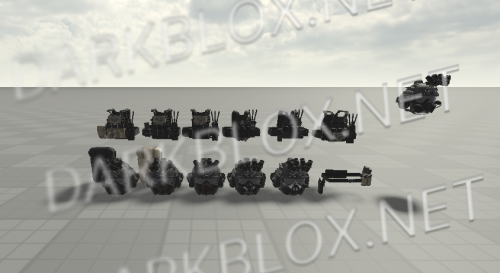
Introducing our premium pack: a comprehensive collection of over 30 unique cars, each adorned with distinctive liveries to suit a variety of themes and styles. Perfect for automotive enthusiasts, game developers, and 3D artists, this collection comes complete with UV maps for easy customization and texture application.
A-Chassis:
Driving System with Realistic Suspension: Experience a highly realistic driving experience with our advanced suspension system, designed to mimic real-world driving dynamics for an immersive experience.
Dynamic Lighting System: Enhance your visuals with our dynamic lighting system, providing realistic illumination effects that adapt to different environments and scenarios.
Product Policy:
No Redistribution: You are not allowed to redistribute this product in any form.
No Editing and Redistribution: Editing the product and redistributing it is strictly prohibited.
No Claiming Ownership: Do not claim this model as your own creation.
This product is a must-have for anyone looking to elevate their projects with high-quality, customizable cars. Get ready to drive into a world of creativity and realism!
You will get a RBXM (15MB) file
.thumb.webp.21739a80e623dbfb1f534d65f52fd580.webp)


.thumb.png.01255e5a6916e107f078c59e8abebaf9.png)
.thumb.webp.325f2d696e2177ccac2bd0b689905d7c.webp)
.thumb.png.7f3f96b99021870bfcd6263d4c30d631.png)

.thumb.webp.77ffad5b41ce988fae966fb408043e94.webp)
You may only provide a review once you have downloaded the file.