Skip to content
Do not create multi-accounts, you will be blocked!

AI Test 1.0.0

(1 review)

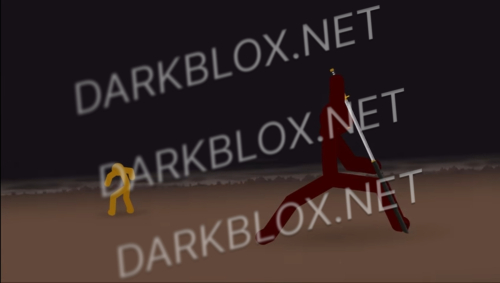
1 Screenshot

Work very well. Set avatar to R15 and Robloxian 2.0

User Feedback

Recommended Comments

CallMeAC130TV

Active Member

where i set robloxian 2.0

TR3V

Active Member

6 hours ago, CallMeAC130TVOperator said:

where i set robloxian 2.0

Go to game setting -> avatar then scroll up you will see head, torso, left arm, right arm, left leg, right leg then just paste Robloxian 2.0 id

CallMeAC130TV

Active Member

ok ty

7 hours ago, Love urself said:

Go to game setting -> avatar then scroll up you will see head, torso, left arm, right arm, left leg, right leg then just paste Robloxian 2.0 id

CallMeAC130TV

Active Member

animations dont work

7 hours ago, Love urself said:

Go to game setting -> avatar then scroll up you will see head, torso, left arm, right arm, left leg, right leg then just paste Robloxian 2.0 id

CallMeAC130TV

Active Member

12 minutes ago, CallMeAC130TVOperator said:

animations dont work

how do i spoof animations

CallMeAC130TV

Active Member

Just now, CallMeAC130TVOperator said:

how do i spoof animations

no,ik how to spoof animations,but where the animations?

CallMeAC130TV

Active Member

and where is roblox cookie

CallMeAC130TV

Active Member

and my browser (firefox) says that the file is v1rиs

Willi Clark

Active Member

the animations don't work

Create an account or sign in to comment

Other files from TR3V


Powered by darkblox.net

Account

Navigation

Search

Search

Configure browser push notifications

Chrome (Android)
  1. Tap the lock icon next to the address bar.
  2. Tap Permissions → Notifications.
  3. Adjust your preference.
Chrome (Desktop)
  1. Click the padlock icon in the address bar.
  2. Select Site settings.
  3. Find Notifications and adjust your preference.