
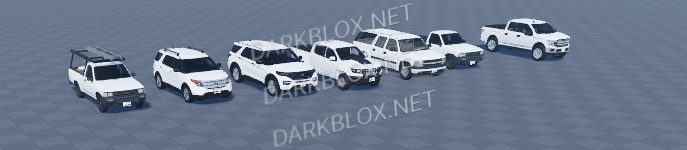
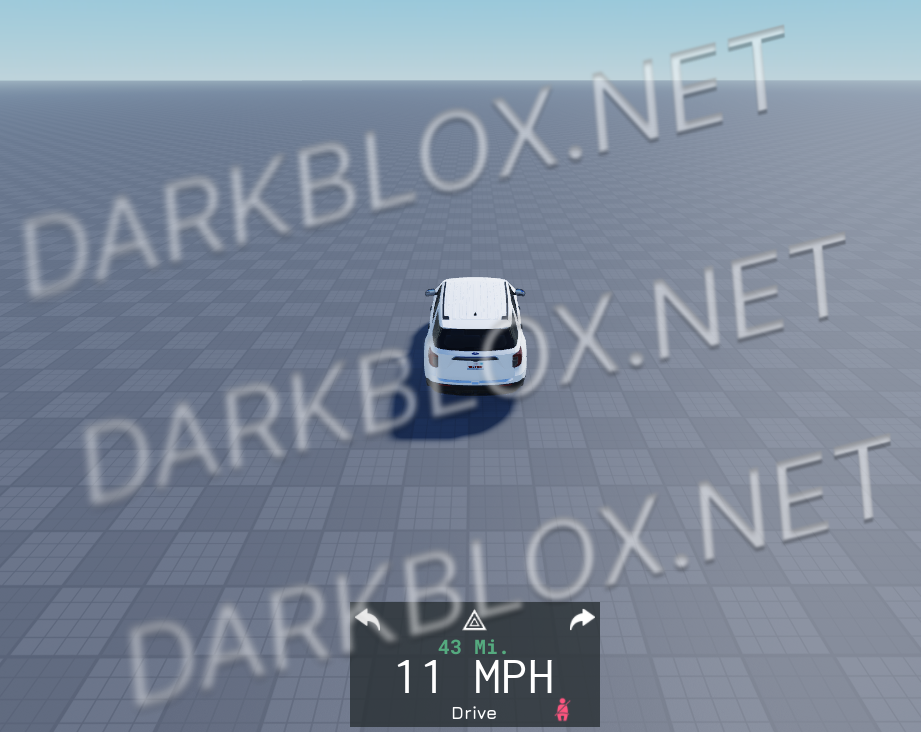
Mountain Interactive, being the most pay to win community on the roblox roleplay history. So I am releasing their A-chassis
Do not create multi-accounts, you will be blocked!
User Feedback
Other files from neurocoder
-
1.00 USD
- 1 Downloads
- 1.56 MB
-
- 637 Downloads
- 37.5 kB
-
- 1015 Downloads
- 2 {!#[1:comment][?:comments]}
- 14.6 kB
-
- 833 Downloads
- 12 {!#[1:comment][?:comments]}
- 13.39 kB
-
- 678 Downloads
- 2 {!#[1:comment][?:comments]}
- 63.84 kB
-
- 485 Downloads
- 5 {!#[1:comment][?:comments]}
- 2.88 kB


You may only provide a review once you have downloaded the file.