Skip to content
Do not create multi-accounts, you will be blocked!

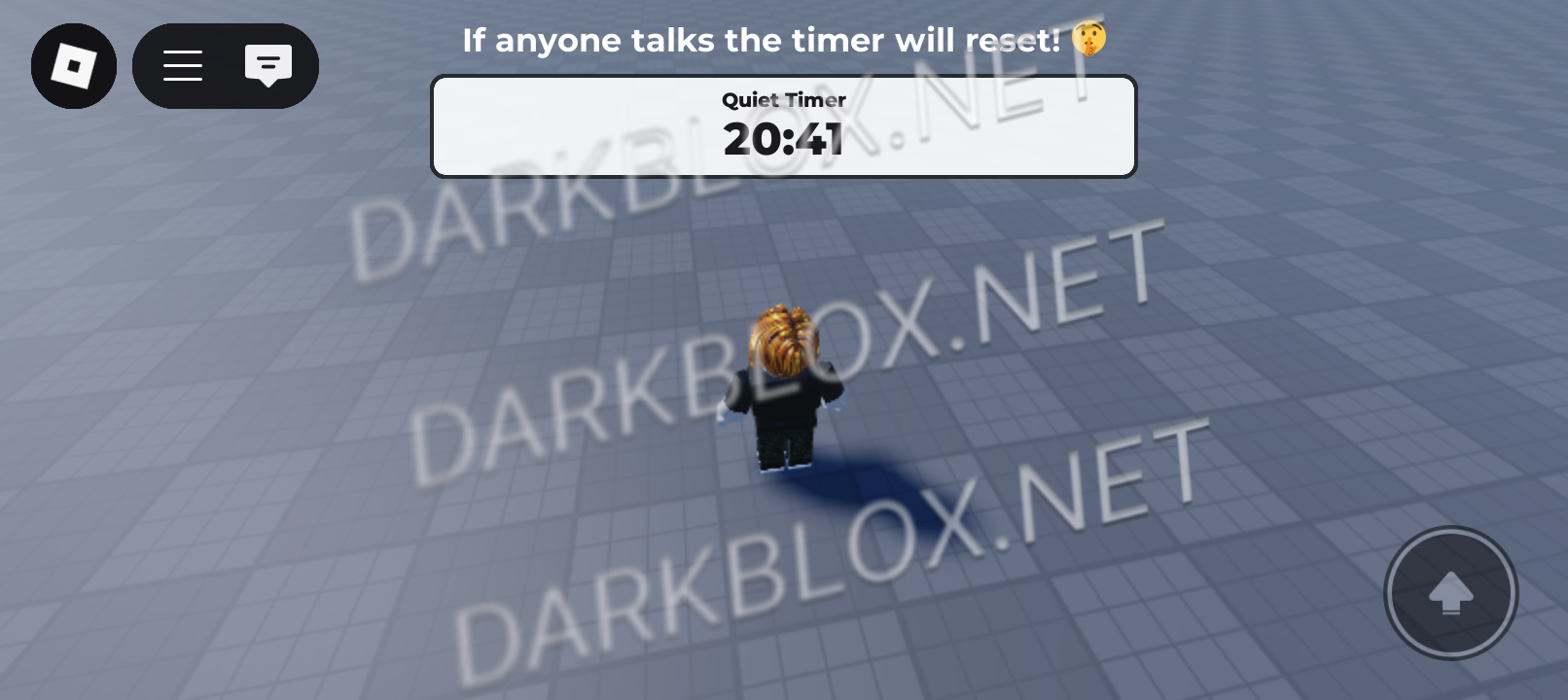
Be Quiet for UGC Game 0.0.1

(0 reviews)

1 Screenshot

Hey everyone!

This project started as a little experiment where I took apart the game to understand how it works. I ended up fixing the timer system, which is an important part of the experience. For context, the game challenges you to stay quiet for 30 minutes to unlock UGC.

At first, I was just messing around with it for fun, but I’ve decided to share my version soon! There are still a few bugs I need to fix, and I’ve been super busy — but a release is on the way, so stay tuned!

Lots of love,
Tobias

Original Game:
Be Quiet For UGC

User Feedback

Recommended Comments

UPDATE 1 (17.04.2025 00:00): Working but still needs some Bugfixing because im bad at Scripting.


  • Added Remote Event Protection

  • Added Improved Red Blinking for someone talkinng

  • Added further Comments with Help for Setup


  • Removed Old Comments and System

  • Removed Buggy Code for being Problematic


Data 1

Active Member

Hello! I'm moderator of DB Data. Please insert the link to download the file, otherwise you will be issued a varn. I give you 24 hours. Thank you!

Forever

Member

1 hour ago, Data said:

Hello! I'm moderator of DB Data. Please insert the link to download the file, otherwise you will be issued a varn. I give you 24 hours. Thank you!

get ur grammar right

Create an account or sign in to comment

Other files from itsjustmeseriouslytobias


Powered by darkblox.net

Account

Navigation

Search

Search

Configure browser push notifications

Chrome (Android)
  1. Tap the lock icon next to the address bar.
  2. Tap Permissions → Notifications.
  3. Adjust your preference.
Chrome (Desktop)
  1. Click the padlock icon in the address bar.
  2. Select Site settings.
  3. Find Notifications and adjust your preference.