Skip to content
Do not create multi-accounts, you will be blocked!

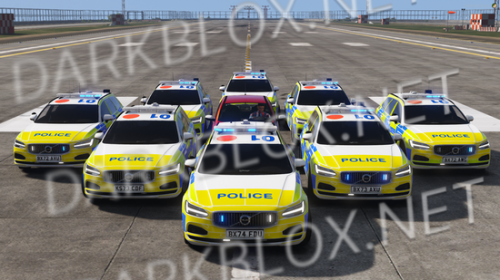
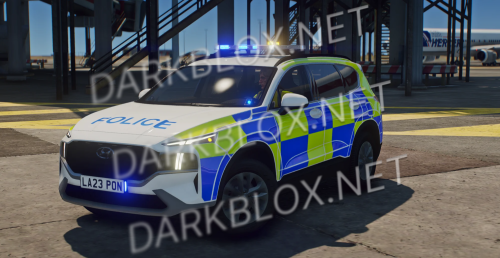
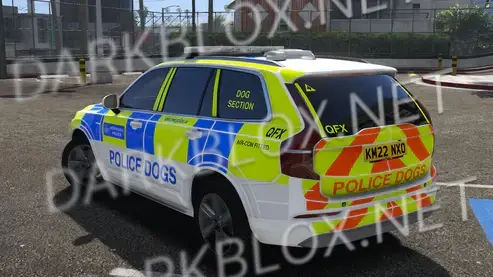
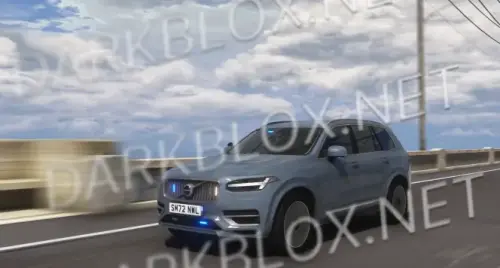
North Myrtle Beach Police Dept 1.0.0

(0 reviews)

3 Screenshots

<@&1482994829888851978>

> NORTHSTAR DEVELOPMENT

> -# (ELS by: Dakota | Base Model by: idk)

> -# This product is under the following server(s): Northstar Development

> -# Any asset stealing, reproducing, asseting will result in a blacklist.

> -# Price: 140

> Vehicle Info

> - Vehicle Name 2020 FPIU, 2020 FPIU, 2018 FPIU

> - Vehicle Type North Myrtle Beach Police Department

> - Manufacturing Date 5/16-17/2026

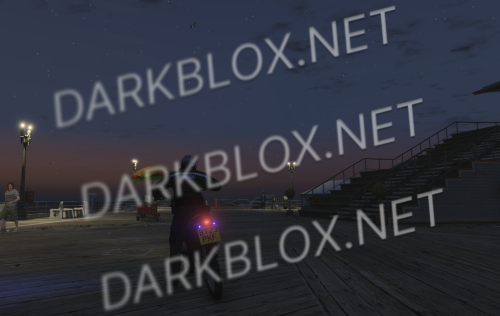
> ELS

> Light Controls:

> J Or DPadUp

> Traffic Advisors

> N/A
User Feedback

Recommended Comments

HardenRD

Active Member

Dakota this is why you dont let a db staff in ur server lol but thanks, any problems with the vehicle dm me on db, i paid 120 robux for this vehicle originally 140 but i got roblox plus, no uv map sadly

HardenRD

Active Member

can yall please leave good reviews, im getting “blacklisted” for asseting shitty cars people like

dunnowhattheheck

Active Member

nice car bro its 120 rbx its nothing dw

HardenRD

Active Member

lays the same guy crying about “free” cars getting asseted btw😹

Lays

Active Member

because they are free son😜

HardenRD

Active Member

then why make a big deal over it😹

Lays

Active Member

im not making one LMAO

HardenRD

Active Member

took u this long to reply?😹

Create an account or sign in to comment

Other files from HardenRD


Powered by darkblox.net

Account

Navigation

Search

Search

Configure browser push notifications

Chrome (Android)
  1. Tap the lock icon next to the address bar.
  2. Tap Permissions → Notifications.
  3. Adjust your preference.
Chrome (Desktop)
  1. Click the padlock icon in the address bar.
  2. Select Site settings.
  3. Find Notifications and adjust your preference.