

Description 919 Admin Panel:
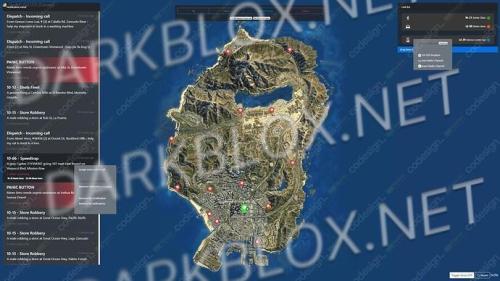
📊 Real-time dashboard – player statistics, bans, transport, money, items and characters.
📜 Server logs – automatic collection and convenient viewing of logs from qb-logs and other resources.
👤 Player management – 23 actions (kick, ban, warns, teleport, etc.) + full information.
⚠️ Warn system – players must confirm the warning (hold space for 5 seconds).
💼 Work and gangs – viewing participants, changing ranks, dismissal (even offline).
🛠 Resource control – starting, stopping and restarting any script.
🔨 Bans and characters – unban, deleting characters, blocking players (online/offline).
🌙 Dark mode + transparency – customizable interface for convenient work.
🔄 Lifetime updates (for owners of the permanent version).
📖 Ready-made instructions (README.md) with installation and support.





You may only provide a review once you have downloaded the file.
There are no reviews to display.