Skip to content
Do not create multi-accounts, you will be blocked!

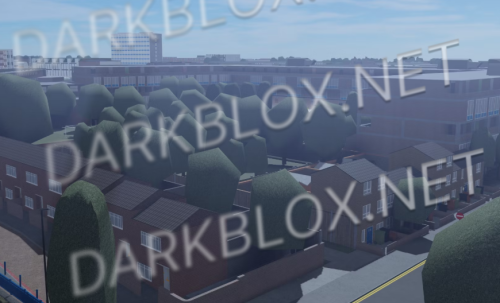
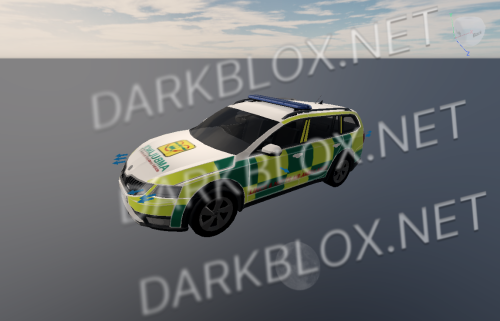
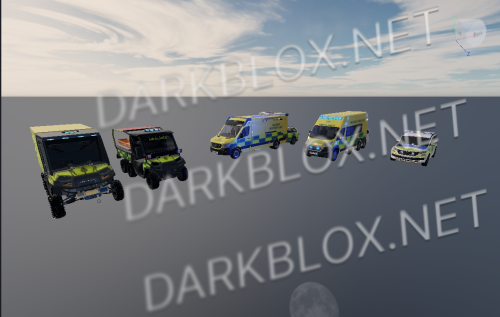
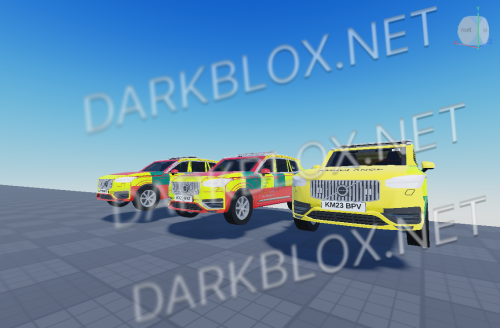
M1 Motorway Roleplay Community Scripted Full Map 2.0.0

(1 review)

10 Screenshots

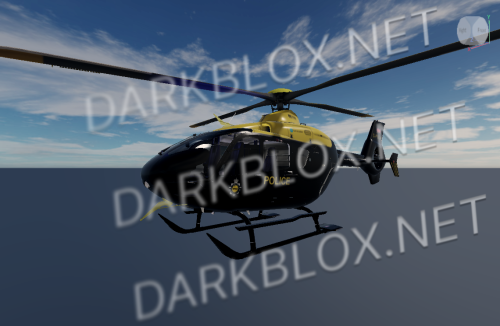
M1 Motorway Roleplay Community Scripted Full Map

IMPORTANT READ ME !!

To delete the 999 update message from your screen

Startergui > JoinNotiGui > Delete (Or temporarily disable and enable later if you want to keep it in the game, up to you.)
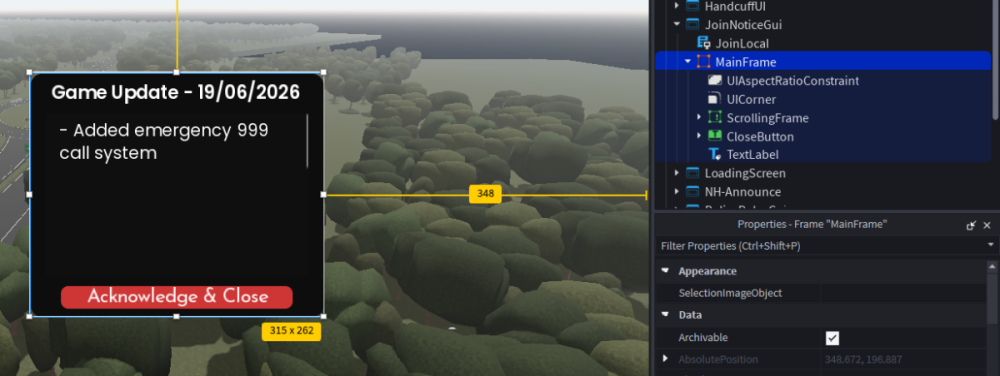
Screenshot 2026-09-04 145413.png

What's New in Version 2.0.0

Released

Fixed file sorry for inconvenience

User Feedback

Recommended Comments

Andrezj Wiedlak

Active Member

you uploaded the wrong file

harvey haffenden

Active Member

The files locked it won't let me open it or put it into studio

whoisbrit

Active Member

2 hours ago, harvey haffenden said:

The files locked it won't let me open it or put it into studio

Srry I'll fix it

mujithegoodboy

Active Member

its a lock file bro

whoisbrit

Active Member

25 minutes ago, mujithegoodboy said:

its a lock file bro

yh i put the correct file but its waiting mod approval rn

whoisbrit

Active Member

image.png

whoisbrit

Active Member

updated file posted

whoisbrit

Active Member

5 hours ago, mujithegoodboy said:

its a lock file bro

8 hours ago, harvey haffenden said:

The files locked it won't let me open it or put it into studio

8 hours ago, Andrezj Wiedlak said:

you uploaded the wrong file

upd version posted

Stupid girl cursed the M1 for me so i have to spend billions of hours converting this into A1, dumb bitch listening to the UK Government ruined my life by unfriending/blocking me with no explanation

This got deleted for some reason and unprivated

whoisbrit

Active Member

14 hours ago, Swansea Spotter said:

This got deleted for some reason and unprivated

Razthewise DMCA'd it but its back 😉

pedrozx2s

Active Member

WHo do you think you are? why would u post this you lifeless piece of shit? u deserve an oscar for the world stupidestest idiot

Create an account or sign in to comment

Other files from whoisbrit


Powered by darkblox.net

Account

Navigation

Search

Search

Configure browser push notifications

Chrome (Android)
  1. Tap the lock icon next to the address bar.
  2. Tap Permissions → Notifications.
  3. Adjust your preference.
Chrome (Desktop)
  1. Click the padlock icon in the address bar.
  2. Select Site settings.
  3. Find Notifications and adjust your preference.