Skip to content
Do not create multi-accounts, you will be blocked!

San, Oro V.2.1 (Free) 1.2.0

(1 review)

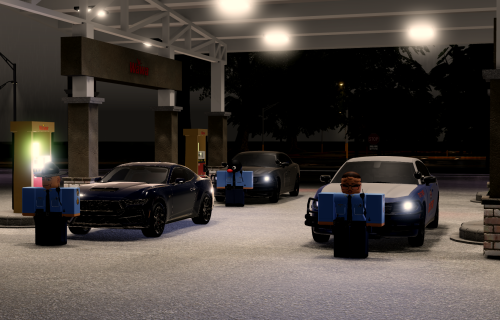
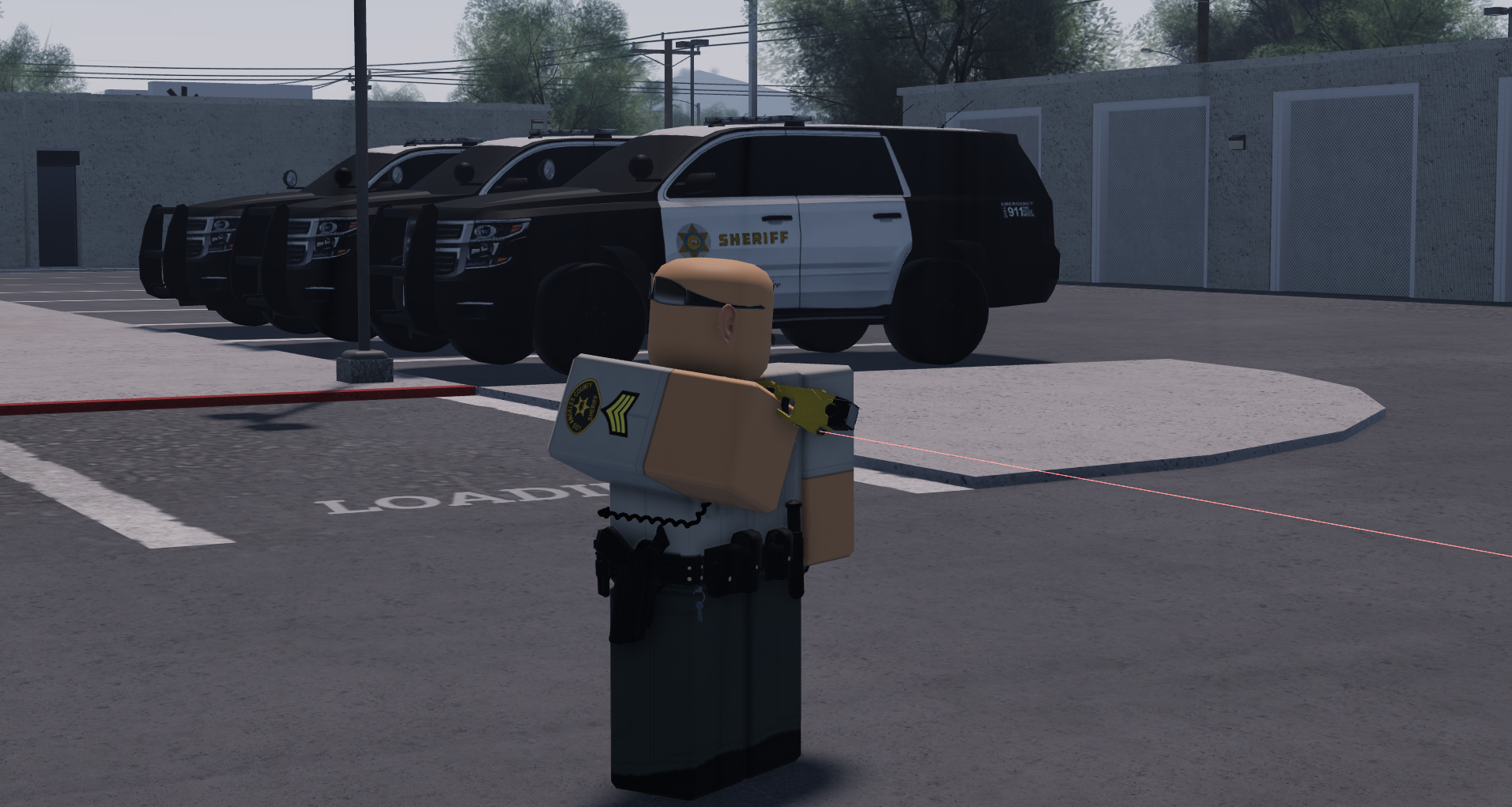
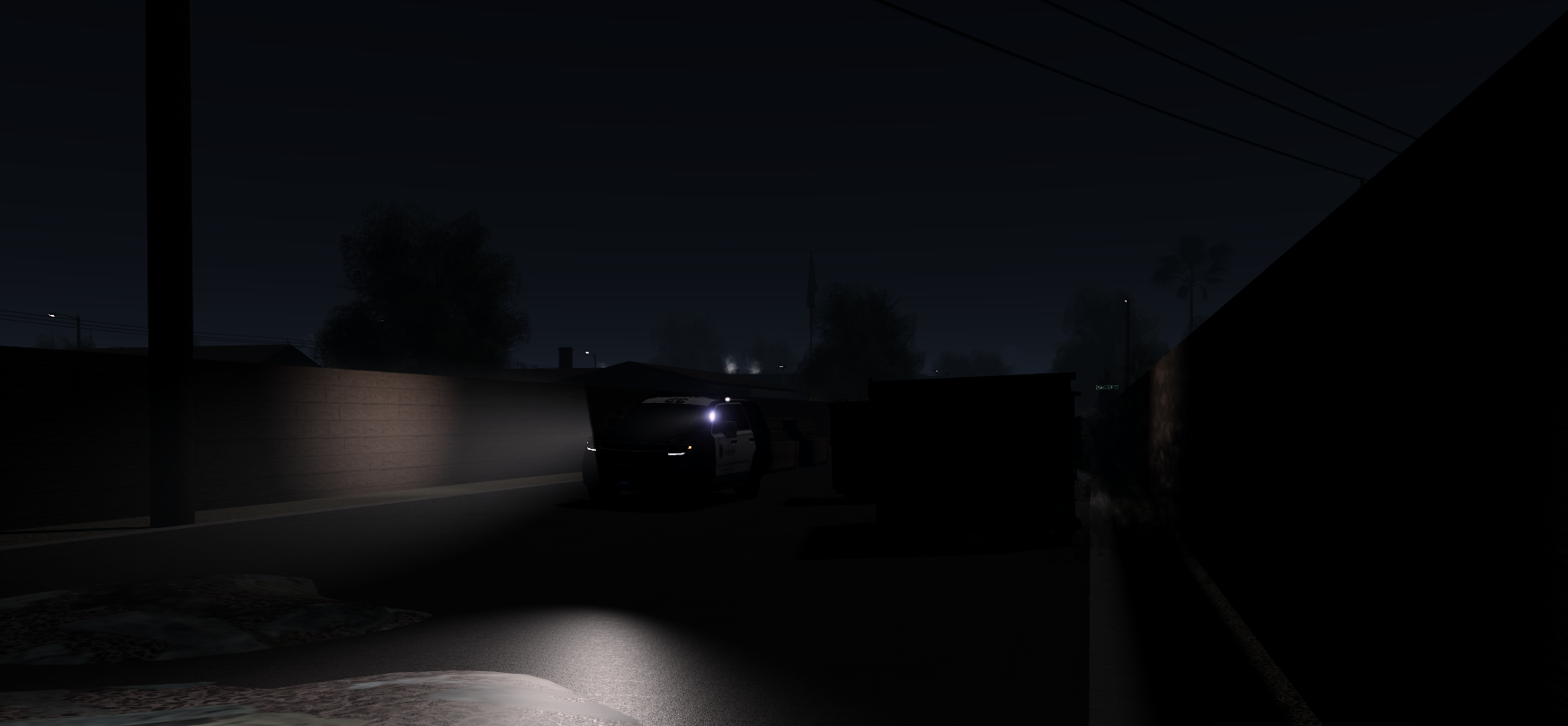
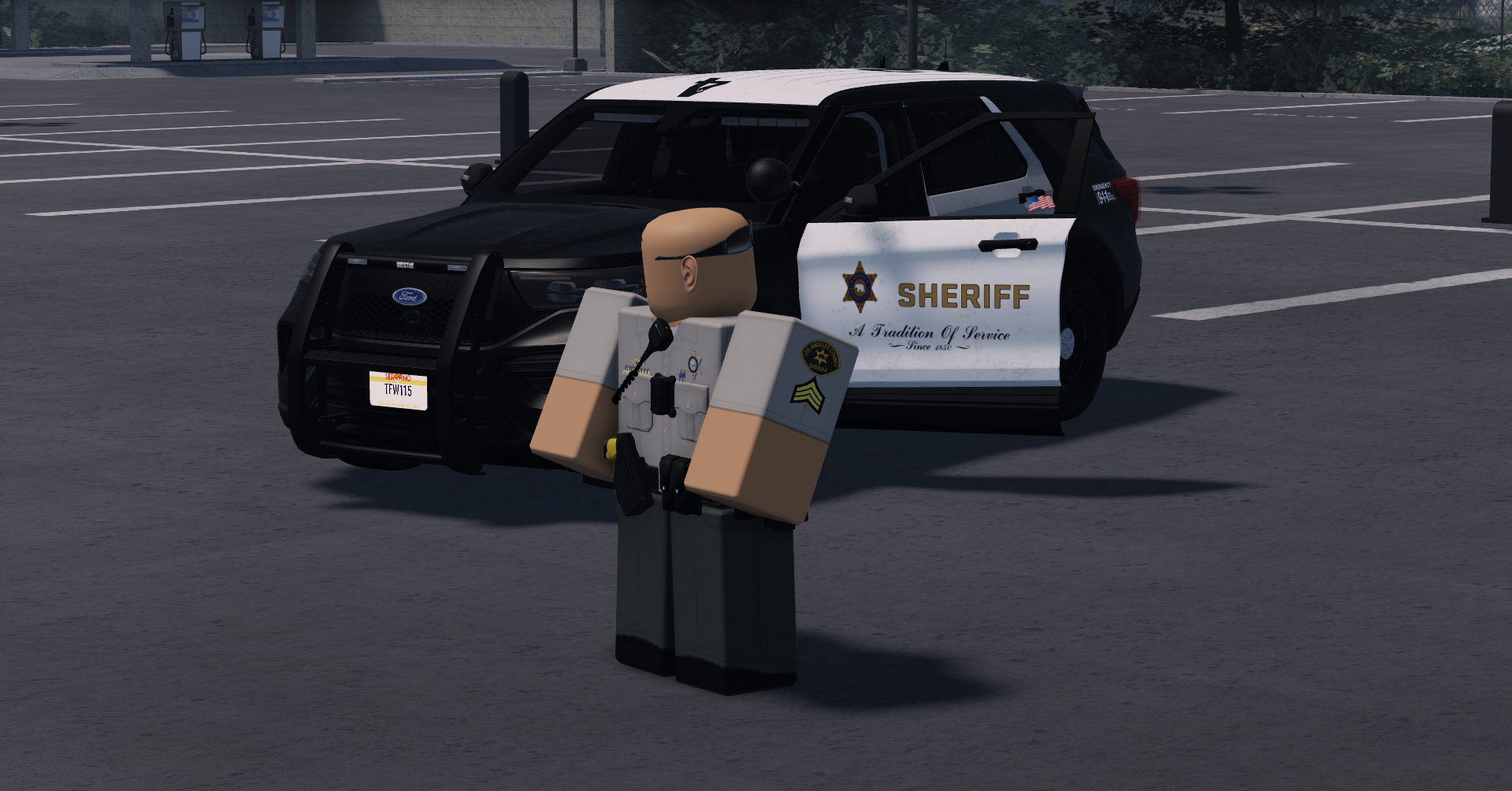
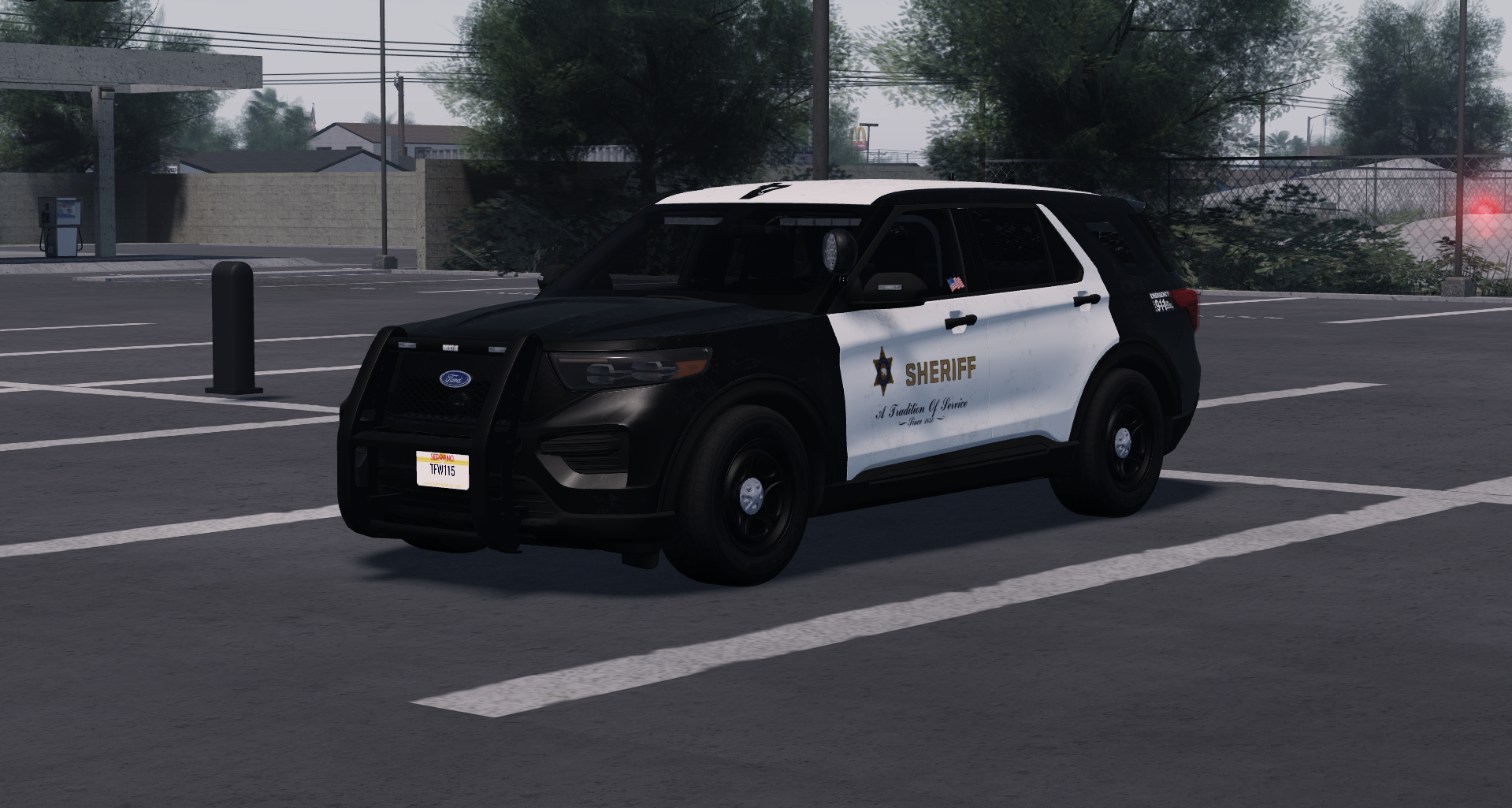
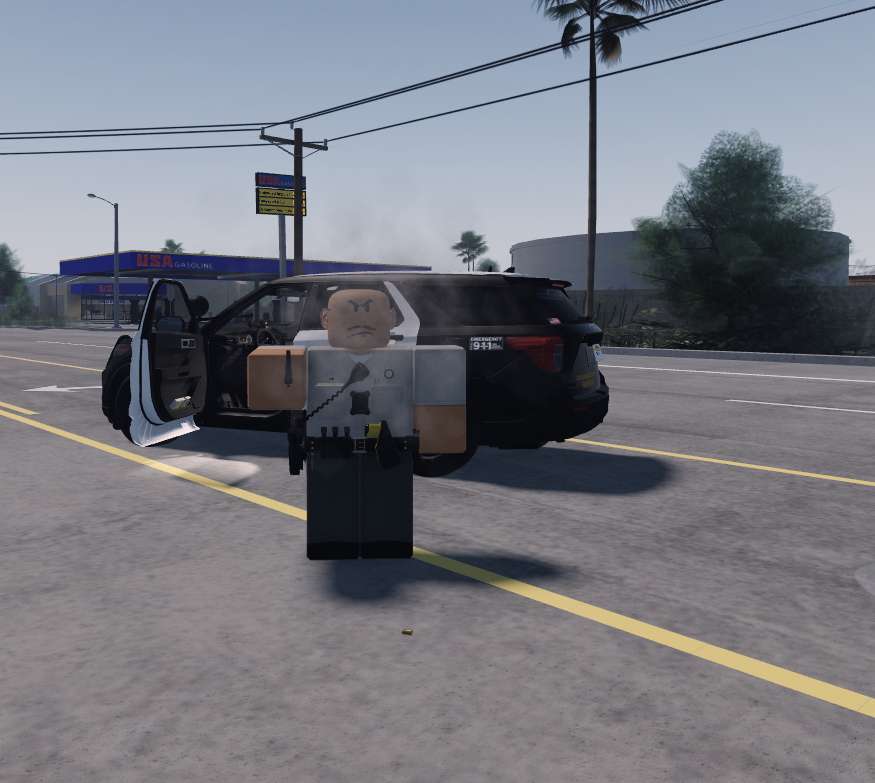
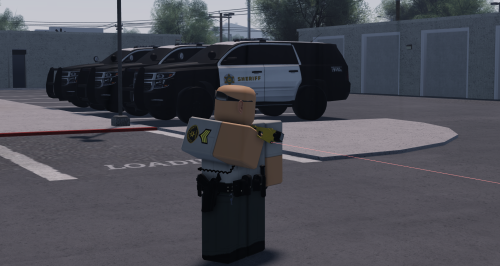
5 Screenshots

🌴 SON ORO, CALIFORNIA — ROBLOX GAME FOR SALE 🌴

Looking for a ready-to-use California roleplay game for your Roblox community? Son Oro, California is available for sale.

🏙️ WHAT'S INCLUDED
• California-inspired city/map
• Police & emergency services areas
• Roads, buildings, and public locations
• Roleplay-ready environment
• Vehicles and other game assets
• Great foundation for a serious RP community

💼 PERFECT FOR
• California RP groups
• Police roleplay communities
• Private Roblox communities
• Developers looking for a ready-made map

💰 PRICE: FREE FOR 5 HOURS

📩 INTERESTED?
Contact me with your Roblox username and let me know you're interested in purchasing Son Oro, California.

⚠️ Please read all sale terms before purchasing.
User Feedback

Recommended Comments

gag

Active Member

I SENT THE WRONG ONE FOR U GUYS TO 😁PAY SO AM BEING KIND AND SENDING THE RIGHT ONE WITH SPOOFED ANIMATIONS AND MORE.Tom Hanks Hello GIF

roman eric

Active Member

wait do you mean this one doesnt have any animations

gag

Active Member

no it does, does it not???

roman eric

Active Member

I was asking since i might have misunderstood your message

roman eric

Active Member

also is there a way i can conntact you on discord

roman eric

Active Member

I noticed some bugs too

gag

Active Member

roam

1 hour ago, roman eric said:

also is there a way i can conntact you on discord

yes my user is sheeshsussy4333

roman eric

Active Member

added

Can someone add my discord its g3fn and can you send me this file I dont have anymore downloads

Create an account or sign in to comment

Other files from gag


Powered by darkblox.net

Account

Navigation

Search

Search

Configure browser push notifications

Chrome (Android)
  1. Tap the lock icon next to the address bar.
  2. Tap Permissions → Notifications.
  3. Adjust your preference.
Chrome (Desktop)
  1. Click the padlock icon in the address bar.
  2. Select Site settings.
  3. Find Notifications and adjust your preference.