Skip to content
Do not create multi-accounts, you will be blocked!

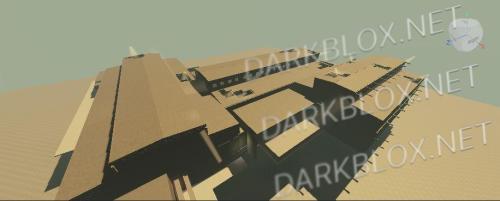
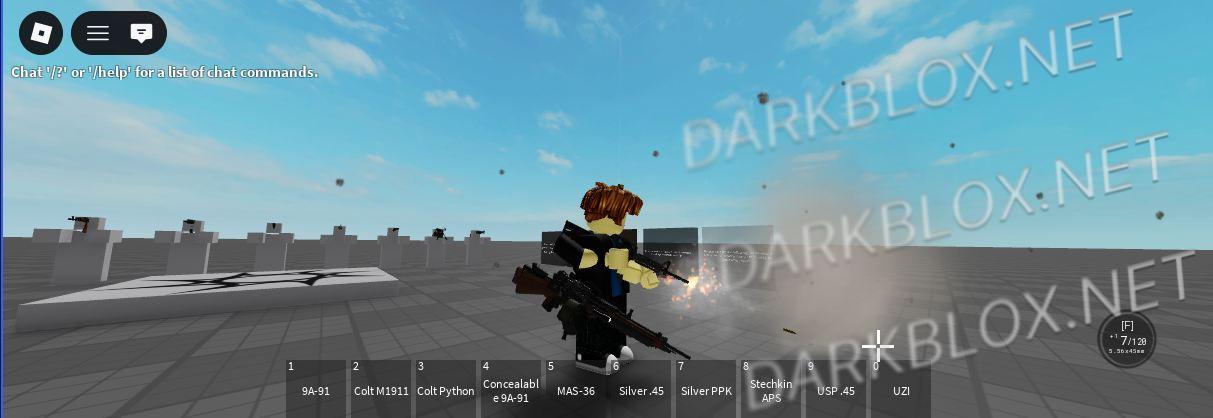
my custom sph xz 1.0.0

(1 review)

1 Screenshot

ai used

User Feedback

Recommended Comments

evil roblox man

Active Member

Bro what do you mean use r6 and reuploader, i can't even get it to load into studio at all, everytime i try to drag and drop into studio, it does nothing, either the file is broken or i have to redownload it.

evil roblox man

Active Member

33 minutes ago, evil roblox man said:

Bro what do you mean use r6 and reuploader, i can't even get it to load into studio at all, everytime i try to drag and drop into studio, it does nothing, either the file is broken or i have to redownload it.

Like here, heres proof on what i am talking about.

yandexj

Active Member

6 hours ago, evil roblox man said:

hi
first click on the rbxm, do not drag it into roblox studio. and scroll down click on the "Find other program on this pc" and find your roblox studio exe. for me the path is on "C:\Users\ur pc name btw\AppData\Local\Roblox\Versions\version-c792f79abddd41bd" and click on the RobloxStudioBeta.exe file

Create an account or sign in to comment

Other files from misanthropy_2


Powered by darkblox.net

Account

Navigation

Search

Search

Configure browser push notifications

Chrome (Android)
  1. Tap the lock icon next to the address bar.
  2. Tap Permissions → Notifications.
  3. Adjust your preference.
Chrome (Desktop)
  1. Click the padlock icon in the address bar.
  2. Select Site settings.
  3. Find Notifications and adjust your preference.