Skip to content
Do not create multi-accounts, you will be blocked!

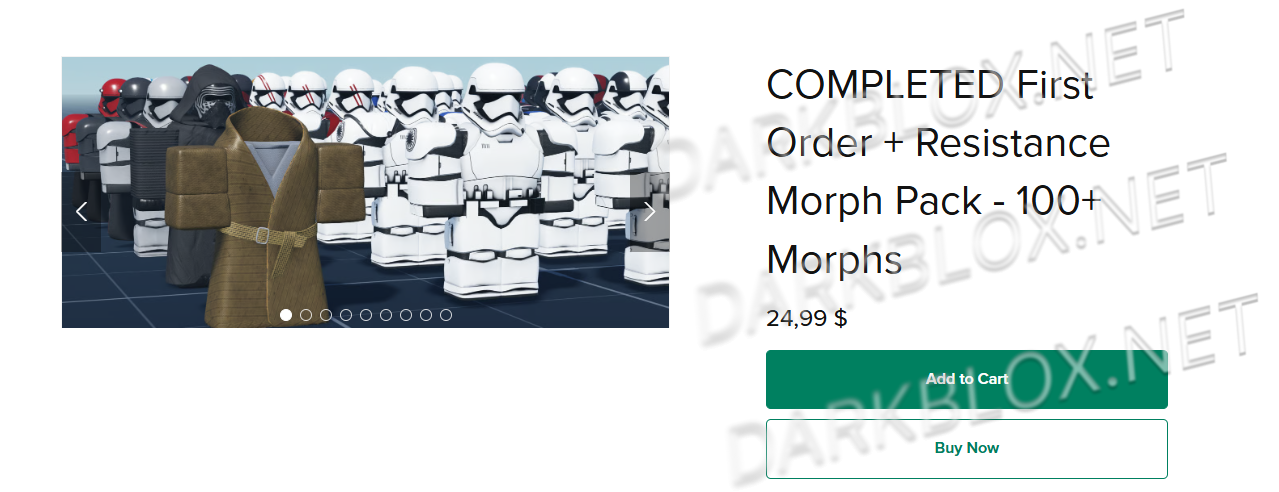
🏴‍☠️HONDO DROP #22 — FIRST ORDER OR MORPHS?! | POLL💰 1.0.0

(0 reviews)

1 Screenshot

My friends, enemies, colleagues… or whatever you want to call yourselves! 🏴‍☠️😂

Hondo has a new concept!

You decide what comes next! 💰

Option 1: Leave a Like 👍
Option 2: Say “OH YEEES!” 😂🏴‍☠️

The option with the most support becomes Hondo’s next drop!

And where did Hondo get these treasures, you ask?

From a very good and very secret smuggler known only as…

Hondo’s Smuggler. 😏🏴‍☠️

So choose wisely, my friends.T

You decide what Hondo delivers next! 💰🔥


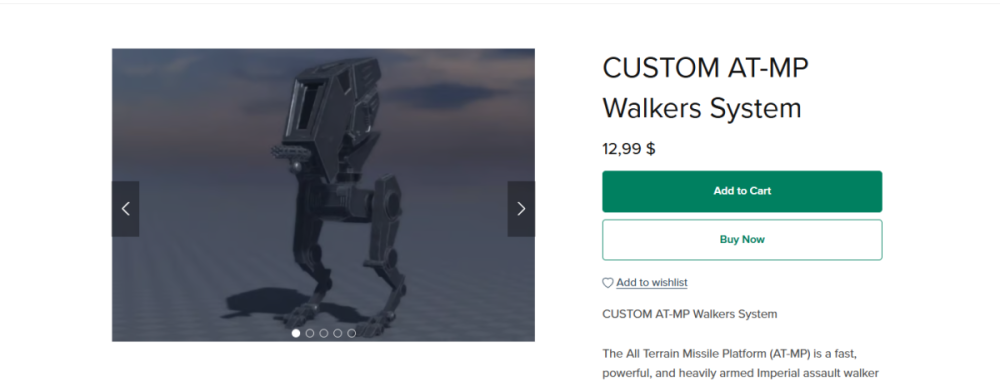
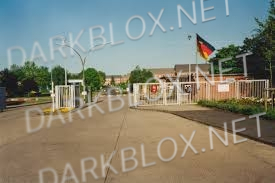
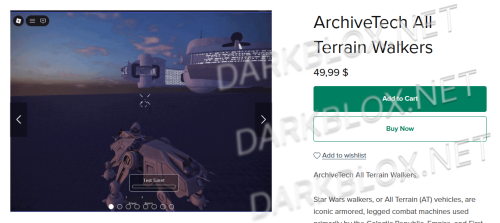
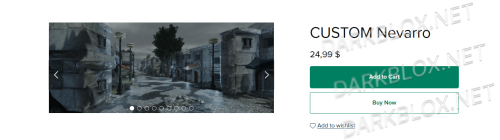
Option 1: But the map is only coming once it reaches 15 likes.
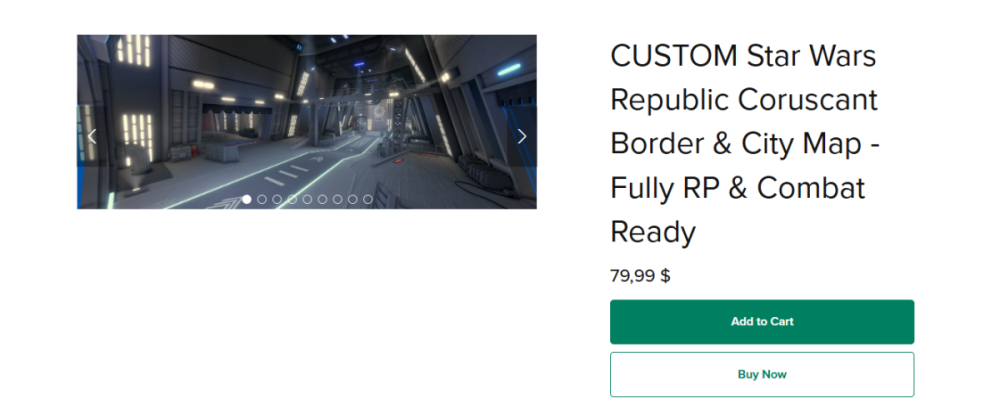

op1.pngOption 2:

Op2.png

User Feedback

Recommended Comments

Hondo D.Ohnaka

Active Member

Karabast! 😂🏴‍☠️

Hondo got the title wrong, my friends! The title is incorrect. 😏

Ronald McDonald

Active Member

Yo Hondo some people don't know how to like

TMinus30Seconds

Active Member

Just do both options! 😭I thought you was generous Hondo, or did Kenobi and Skywalker lie about that?? jk

Hondo D.Ohnaka

Active Member

34 minutes ago, TMinus30Seconds said:

Just do both options! 😭I thought you was generous Hondo, or did Kenobi and Skywalker lie about that?? jk

My friend, Hondo is generous. Everything will come eventually. 🏴‍☠️💰

But Hondo wants everyone to know that there is no reason to buy things that can be obtained for free.

If Hondo can show people that he has certain things to offer, Hondo would rather have them get it from him than spend their credits buying it somewhere else.

Hondo is generous, my friend… but Hondo is also a smuggler and a businessman.

A man has to keep a little fear in people’s hearts and a few nerves on edge. 😂🏴‍☠️💰

Business is business, after all.

Create an account or sign in to comment

Other files from Hondo D.Ohnaka


Powered by darkblox.net

Account

Navigation

Search

Search

Configure browser push notifications

Chrome (Android)
  1. Tap the lock icon next to the address bar.
  2. Tap Permissions → Notifications.
  3. Adjust your preference.
Chrome (Desktop)
  1. Click the padlock icon in the address bar.
  2. Select Site settings.
  3. Find Notifications and adjust your preference.