
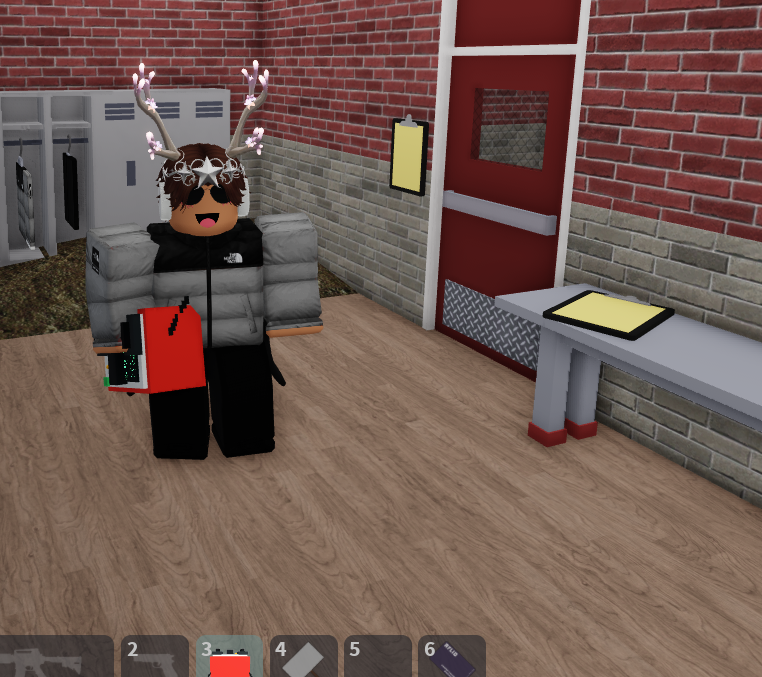
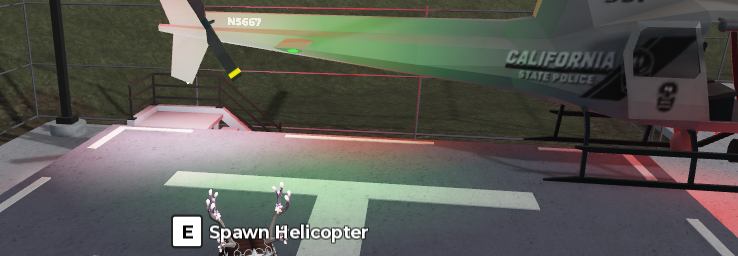
So here is a new ridgeway map I created on my behalf I have added a few stuff to make it familar to the other Ridgeway.
This is a paid map due to the new updates it has recieved, if you don't like the price sorry but it's all you're gonna get.
New Loading screen but may need some working doing on it I can always fix it it does show your own character.
Here is the new update logs:
Fixed all vehicles, and spawning!
Fixed housing spawning, if housing spawning is enabled in settings you can spawn there.
Updated ATM's with radio callouts, added a blowtorch to rob them and the same goes with California Credit Union.
All robbery bags or vault bags can be sold at the illegal dealer.
New vehicles like the Lamborghini, and the Tesla Model S!
Added Fishing + Revival menu for anyone who is dead and fire department can go to them.
Fixed games, and RCU systems for delivering including SPS.
Added and replaced icons, some buildings may start need adding but look good overall.
Trams and Trains now move to their waypoints, and added tram stations and extension!
Panic Button Fixed.
Team computers have been fixed depends on the team or group you have joined.
MCPD vehicles spawned with no tyres, but all have been fixed.
911 calls are operational and notify and go through the radio to announce calls.
IF YOU WANT ANYONE doing or updated let me know and I will fix and help you dm me tristan_Tbh on discord.


Recommended Comments
Create an account or sign in to comment