
Skip to content
Do not create multi-accounts, you will be blocked!

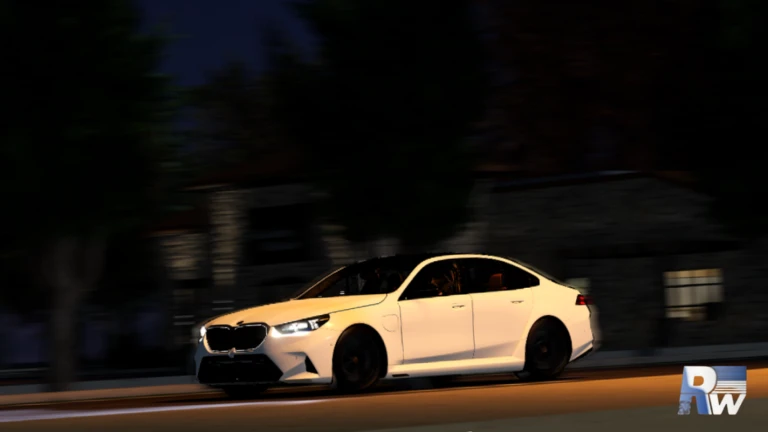
Ridgewood V2 | FULL SOURCE 2.5.0

(5 reviews)

3 Screenshots

Game Details:

  • The game is fully scripted and based directly on the latest updates, nothing has been left out. While the vehicles are slightly outdated, they function as intended and all original assets are included.

  • Database information has been pulled by the developers, so you're gonna have to figure out how to save your data.

Uploaded by: ValkSoft

Note:
This game is honestly quite low quality, it's hard to understand why anyone plays it. We recommend avoiding it.

Setup Guide:
For those who still want to try it, here’s a tutorial on how to properly load and configure the game: Ridgewood Setup

User Feedback

You may only provide a review once you have downloaded the file.

   2 of 2 members found this review helpful 2 / 2 members

Explain how to create car purchase cards at a car dealership?

   1 of 1 member found this review helpful 1 / 1 member

Peak

image.png

Response from the author:

Yessir all the server scripts and everything in there! Enjoy!

   3 of 5 members found this review helpful 3 / 5 members

please cars add file

but map so good

   3 of 4 members found this review helpful 3 / 4 members

pls give cars

   5 of 7 members found this review helpful 5 / 7 members

if you can also include the cars from the game will by aswem but the map its prety good


Powered by darkblox.net

Account

Navigation

Search

Search

Configure browser push notifications

Chrome (Android)
  1. Tap the lock icon next to the address bar.
  2. Tap Permissions → Notifications.
  3. Adjust your preference.
Chrome (Desktop)
  1. Click the padlock icon in the address bar.
  2. Select Site settings.
  3. Find Notifications and adjust your preference.