Skip to content
Do not create multi-accounts, you will be blocked!

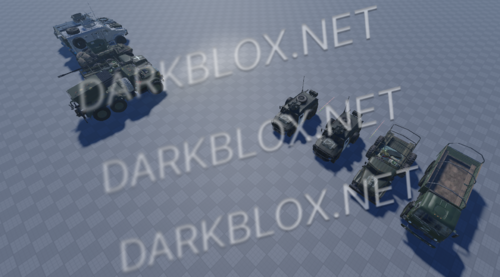
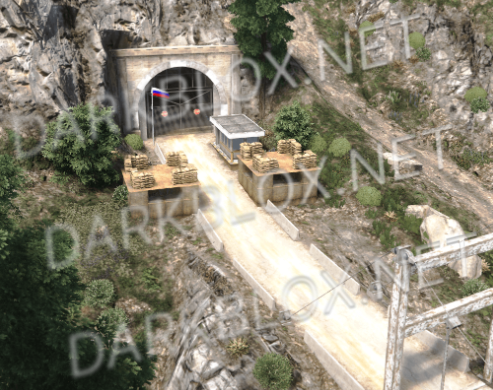
Chuhkee Moss ACS 1.0.0

5.00 USD

(2 reviews)

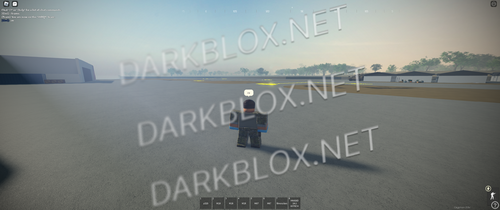
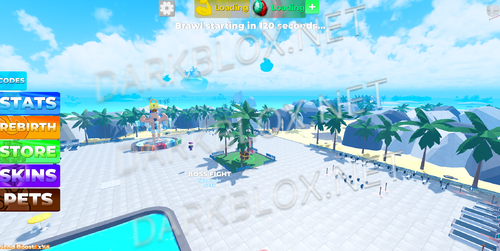
1 Screenshot

.

User Feedback

Recommended Comments

dacroc1

Member

so many goons on just 1 file 😭

Opsnndf137744

Active Member

ts so sussy boiii
clean my pants boiiii

overall from the thumbnail desc i will give it 3 stars first

Cbo2

Active Member

yo why tf yall celebrating over my stuff, ts is just an old chuhkee that I cracked this is just wild how this file got passed onto 6 people then got asseted

LoveHandleEnjoye

Active Member

this guy stole my original post and is reselling it for 5 dollar,don't support him!

SNOOPCAG

Active Member

make it free

adrian676767

Active Member

On 10/5/2025 at 5:53 AM, iamcagsigma said:

this guy stole my original post and is reselling it for 5 dollar,don't support him!

could i have it please

adrian676767

Active Member

might get ts, anything i need to know (if anythings broken or if i can get it somewhere else for free)

Deleted User

Active Member

Dont worry guys i will post it it was free but idk what happened it got deleted dont know why lol

AP

Active Member

bruh just release a free version of this

Guest

Guest

Guests

On 2/15/2026 at 11:29 PM, AP said:

bruh just release a free version of this

get a job brokie So what are your weaknesses in the work environment? EMPLOYMENT / JOB  APPLICATION EDUCATION CITY STATE: COLLEGE: - iFunny

AP

Active Member

20 hours ago, Juno Kuno said:

get a job brokie So what are your weaknesses in the work environment? EMPLOYMENT / JOB  APPLICATION EDUCATION CITY STATE: COLLEGE: - iFunny

Not broke, just not spending money on roblox assets but good try kiddo

Guest

Guest

Guests

3 hours ago, AP said:

Not broke, just not spending money on roblox assets but good try kiddo

thanks i was joking btw. Theres a free variant around here on roblox

Create an account or sign in to comment

Other files from gog


Powered by darkblox.net

Account

Navigation

Search

Search

Configure browser push notifications

Chrome (Android)
  1. Tap the lock icon next to the address bar.
  2. Tap Permissions → Notifications.
  3. Adjust your preference.
Chrome (Desktop)
  1. Click the padlock icon in the address bar.
  2. Select Site settings.
  3. Find Notifications and adjust your preference.