Registration is limited to Google Gmail & MailRU & Yahoo & Yandex email addresses.
Do not create multi-accounts, you will be blocked!
Leaderboard
-

max energy
Active Member1Points24Posts -
Jous01
Active Member1Points4Posts -
Rhinefilms Productions
Member2Points2Posts



Popular Content
Showing content with the highest reputation on 12/29/25 in Posts
-
i got misanthropy 4 but idk if i should give it away1 point
-
1 pointSite-42 A ready site, that has everything you need to start your own SCPF. Including a lot of tech, spawns, auto morphs, cars, SCPs, CDC, group rank, leaderboards, etc., this site is ready for use just with a simple publish. Has a lot of new tech, even though the models are made to represent a simple site. Features: Car tunnels Spawns for all departments Shop system manned by Logistics Department CDCZ Multiple SCPs and player-controlled SCPs (049, 096, 106, ETC) CDCZ shop with a vendor (also riot gamepass) Main Menu Medical sector (including medical system such as MRI, X-RAY, broken bones, etc.) Loading Screen Gun System Auto-Morph The site contains extremely detailed big containment chambers for SCPs that are player controlled (included): SCP106- PLAYER CONTROLED SCP 096- PLAYER CONTROLED SCP 354- PLAYER CONTROLED (Can infect each other aswell) Detailed Alpha Warhead. Site also includes building templates so that you can expand/shrink it at your own will. Lightning: Future File Information Submitter [[Template core/front/global/userLink is throwing an error. This theme may be out of date. Run the support tool in the AdminCP to restore the default theme.]] Submitted 08/18/25 Category SCP View File
 1 point
 -
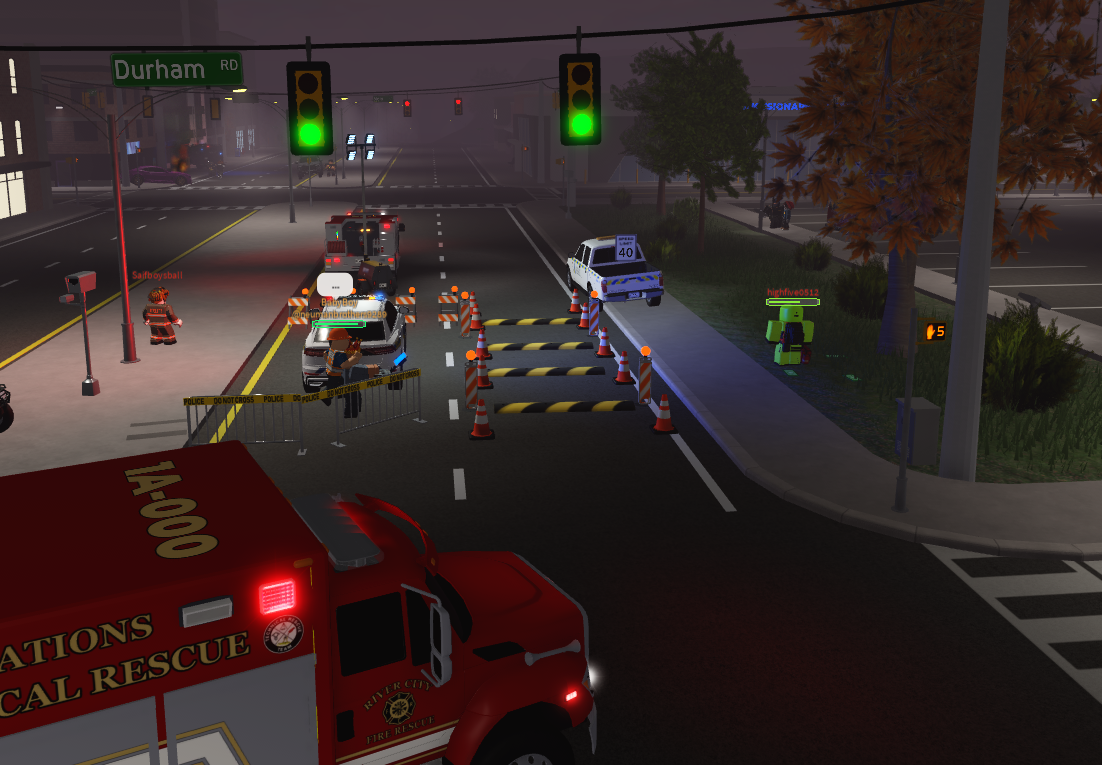
(Classic) Canadian Simulator test place so a while back a game dev named casual asseted the classic casim files and now i'm posting them here File Information Submitter Rhinefilms Productions Submitted 08/02/25 Category Scripted View File
 0 points