Registration is limited to Google Gmail & MailRU & Yahoo & Yandex email addresses.
Do not create multi-accounts, you will be blocked!
Leaderboard
-
dog
Member1Points2Posts -
AESPA NINGNING
Active Member1Points205Posts -

val
General Manager1Points334Posts -
.webp.ce9247182f155e5f9b56226293164b69.webp)
Cha Tui May
Active Member1Points79Posts




Popular Content
Showing content with the highest reputation on 06/02/26 in Files
-
1 point
 Upgraded version of snakeworl's anime girl plugin now featuring custom anime girl creation as well as anime girl exporting and importing; proven to improve studio productivity by 100000x roblox keeps moderating the plugin when i try to put it on creator store, so to install: → right click on folder in rbmx → save/export → save as local pluginFree1 point
 -
 SELECTION DAY ОТ ДАУНА ТКК И ЗАХАРА ЛАГАЕТ ПИЗДАFree1 point
 -
1 point
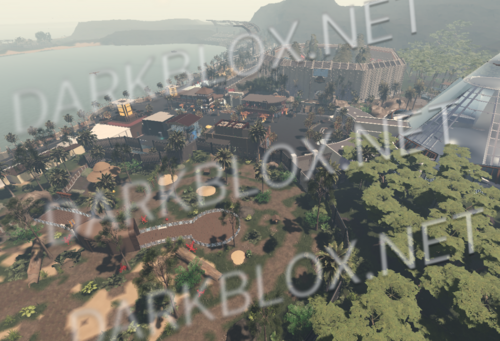 Jurassic Park is great 😱 All working good, fully scripted.Free1 point
 -
1 point
 Featuresunit conversion with support for 6 different properties, an easy-to-use anchor editor, a properties widget with custom colors, gradients, and quick action buttons, such as fast scale, UI Scale scaling support, over 8.5K+ unique icons in 7 size variants with Pixelfix pre-applied, an extremely customizable plugin interface. Why UI Tools?UI Tools has a wide variety of features and is most prominent for its extensive scaling options. With UIScale scaling you can forget about the scale property and preview scaled UI in real-time, significantly simplifying the process of scaling and speeding up your workflow. UIScale also scales scrollbars and strokes, keeping the same look on every screen.Free1 point
 -
1 point
-
0 points