Registration is limited to Google Gmail & MailRU & Yahoo & Yandex email addresses.
Do not create multi-accounts, you will be blocked!
Leaderboard
-
AESPA NINGNING
Active Member1Points205Posts -
ultimategoy
Flux Access1Points61Posts -
Gabriel Donoi
Member1Points1Posts -
rafax freestyle
Member1Points3Posts



Popular Content
Showing content with the highest reputation on 06/03/26 in all areas
-
1 point
 Upgraded version of snakeworl's anime girl plugin now featuring custom anime girl creation as well as anime girl exporting and importing; proven to improve studio productivity by 100000x roblox keeps moderating the plugin when i try to put it on creator store, so to install: → right click on folder in rbmx → save/export → save as local pluginFree1 point
 -
1 point
 Owners are retarded nazis, and also dosnt ban pedos with proof in hands lol heres their game fully scripted (as im sure of it, can be wrong), kinda assFree1 point
 -
1 point
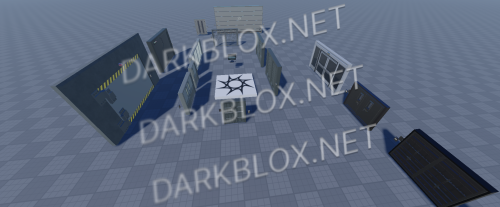 DOOR SYSTEMHighly customisable, featuring easy to setup clearances, door models and intriguing preset UI styles. Terminals 9 different door variants 3 different UI styles (Blacksite Zeta-inspired, 3D, 2D) Easy to setup clearances Easy to setup doors Full console (PS4, PS5, XBOX) and mobile support Available tutorial videos Lockdown & Door override commands Core Whitelist script is Obfuscated, other than that - they are free for editFree1 point
 -
1 point
-
0 points
-
 All these plugins are paid with a few exception's on a few of them, 1. The creator realized his shit got asseted so he marketed it for free 2. The creator was retarded How to install plugins 1. Drag and drop the plugin into your workspace in roblox, 2. Right click and click on "Save as local Plugin" or some shit like that I don't have Studio opened right now. 3. Enjoy and please stop sending me gay black men kissing in my messages you tardsFree0 points
 -
-1 points