

Skip to content
Do not create multi-accounts, you will be blocked!

RCE First Released version 1.1.1 Patch

(29 reviews)

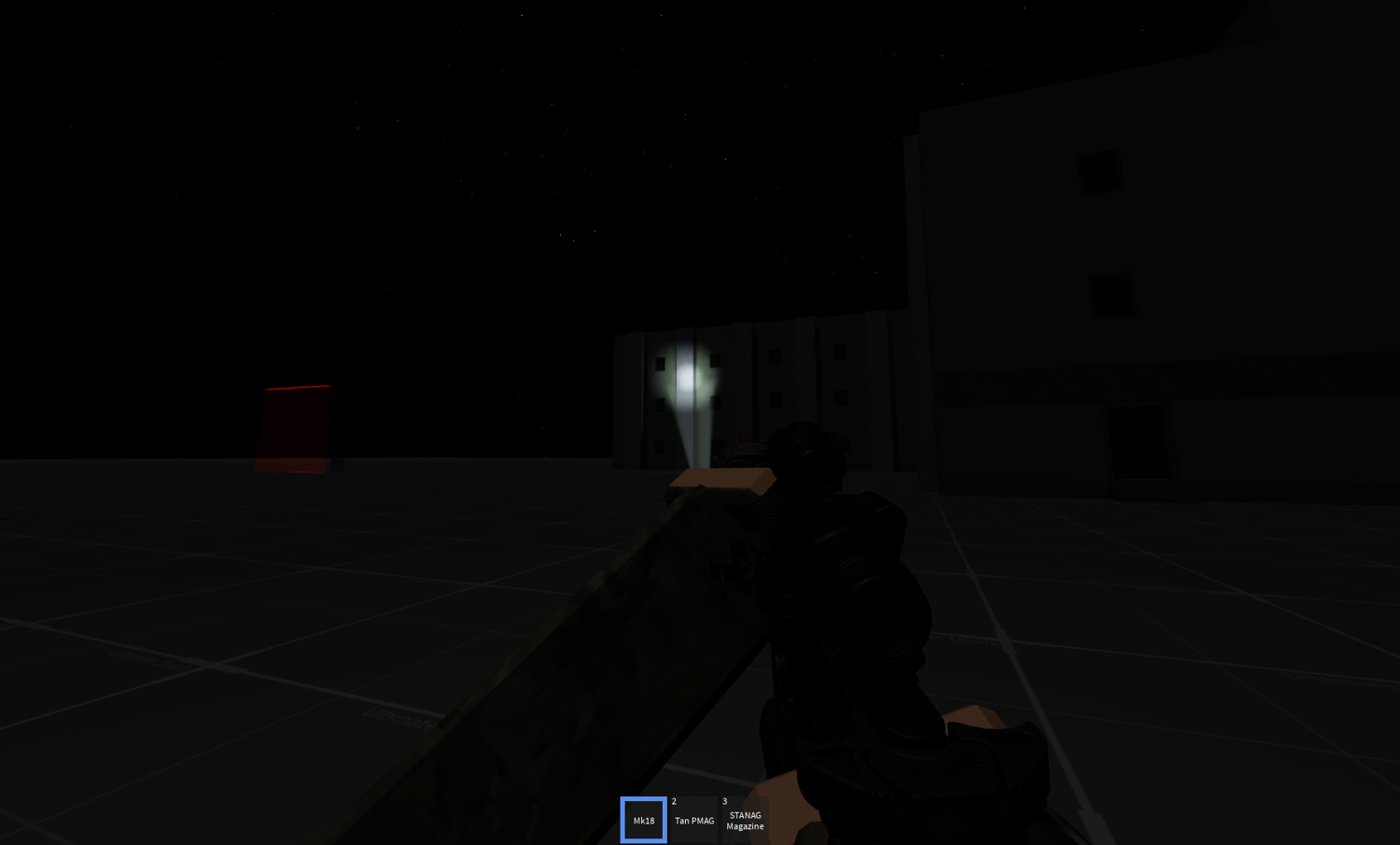
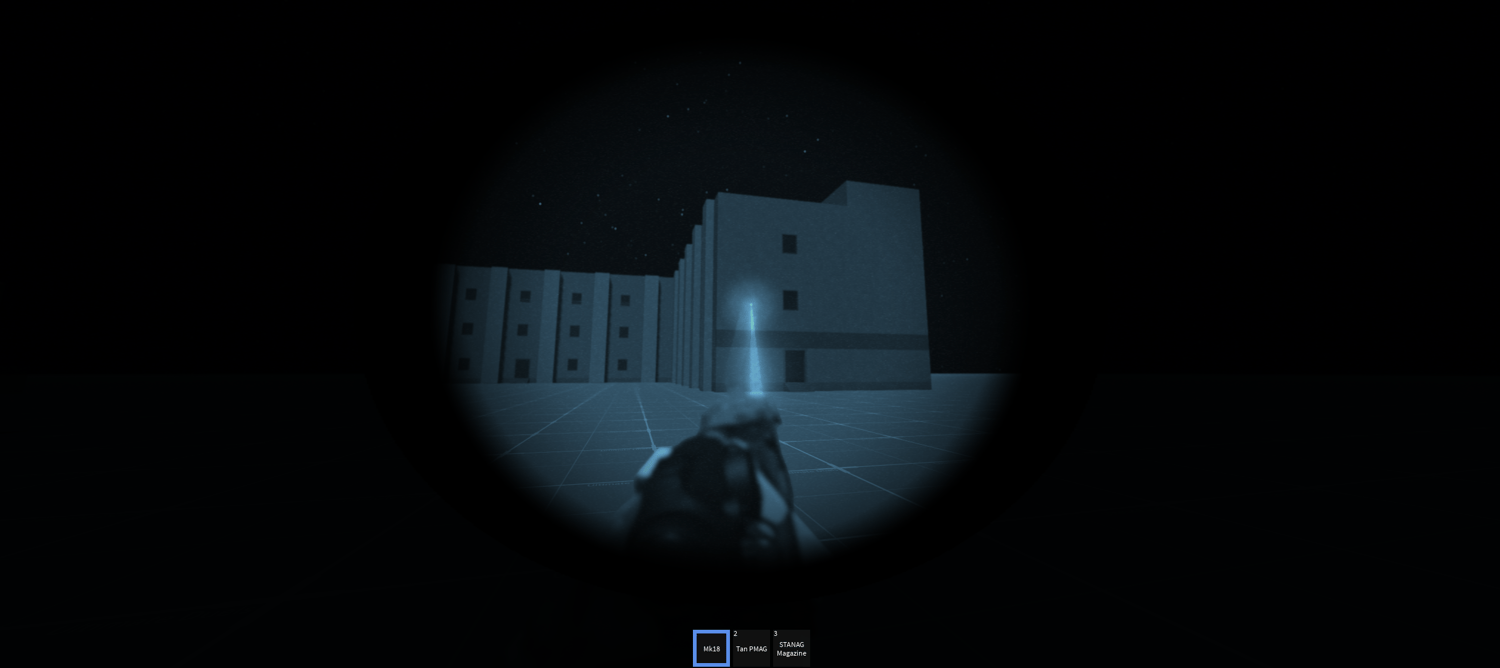
3 Screenshots

Chuhkeemoss rn:
Sad Happy Hour GIF


RCE First Released File not 1.2 with the weather just standalone RCE bypassed this was so easy

What's New in Version 1.1.1 Patch

Released

Readded the forgotten animation handler which fixes the crouch/prone stuff
Also added the Bridgenet2 TEMPFIX

and btw im working on a patch for 1.4 the current newest version this also means pegasus products hihi

Gordon Ramsey Idiot GIF

User Feedback

You may only provide a review once you have downloaded the file.

   1 of 1 member found this review helpful 1 / 1 member

it works but there is no muzzle flash or effects it dosent damage but the everything seems to work fine ngl w file

   3 of 4 members found this review helpful 3 / 4 members

yo im not tryna say the system dont work, but for some reason my guns just dont work, can i get some help on how to fix this?

   5 of 12 members found this review helpful 5 / 12 members

its function for the first time, but now the guns dont work

Response from the author:

this review of yours is shity instead of elaborating whats wrong you just write bluh bluh bluh guns work no more see this shit is exactly why its a false review i have tested this multiple times but all of these kinds of things most of you guys say like error on line 3 guns no work or gui not work is just awful stupid ELABORATE in the comments WITH how to REPLICATE this error of yours THEN you wait when i see this and THEN i can react to it IF its REALLY bad:

BAD REVIEW get out ITS A 100% working if you do it right its very simple

   4 of 8 members found this review helpful 4 / 8 members

Do it right, make it work, then you've got yourself a gem. I recommend it. 👍

Response from the author:

fair and square we have talked theres nothing wrong with the file :>


Powered by darkblox.net

Account

Navigation

Search

Search

Configure browser push notifications

Chrome (Android)
  1. Tap the lock icon next to the address bar.
  2. Tap Permissions → Notifications.
  3. Adjust your preference.
Chrome (Desktop)
  1. Click the padlock icon in the address bar.
  2. Select Site settings.
  3. Find Notifications and adjust your preference.