


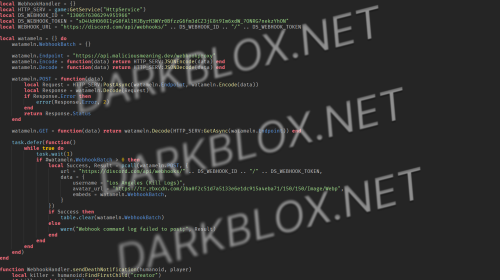
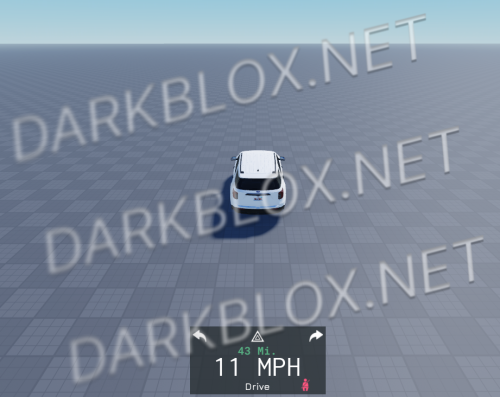
Again a Mountain Interactive "release", anyway this is their Notification System. And to be honest. I am impressed, very good functionality and easily connectable with other systems or scripts
Do not create multi-accounts, you will be blocked!
Notification System: Mountain Interactive 1.0.0
Have a special Question? Try to message author!
3 Screenshots
User Feedback
Other files from neurocoder
-
- 484 Downloads
- 5 {!#[1:comment][?:comments]}
- 2.88 kB
-
- 678 Downloads
- 2 {!#[1:comment][?:comments]}
- 63.84 kB
-
- 811 Downloads
- 3 {!#[1:comment][?:comments]}
- 7.66 MB
-
1.00 USD
- 1 Downloads
- 1.56 MB
-
- 636 Downloads
- 37.5 kB
-
- 833 Downloads
- 12 {!#[1:comment][?:comments]}
- 13.39 kB


You may only provide a review once you have downloaded the file.