
What is rDoors?
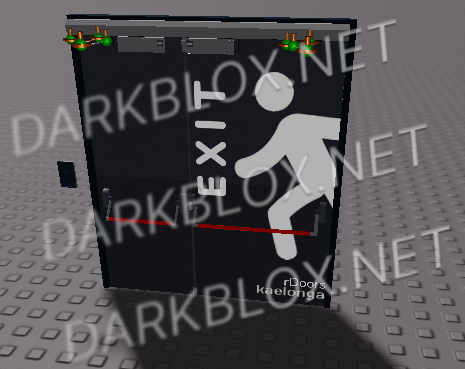
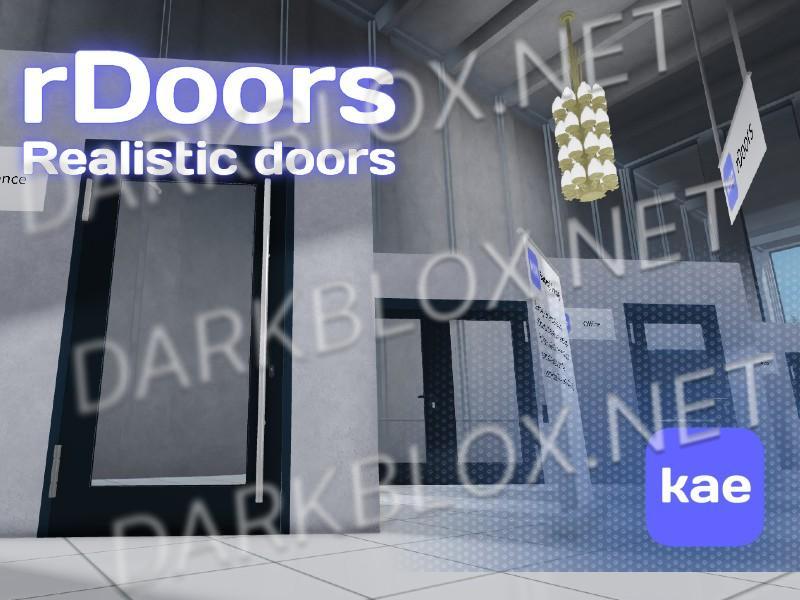
rDoors - is a brand new realistic doors. They are running on our controller - Swing.
Swing? Swing!
Swing - a controller for rDoors. It's secure and fast. It has realistic animations and allows users to customize like everything!
Customization
Doors
Doors quantity (1 or 2);
Handles;
Door animation styles:
StopAndGo,
Elastic,
Fusion,
Spring,
TudaSyuda,
Base;
Door animation time;
Custom animations (Custom tween);
Door name;
Door open degrees;
Automatic closing;
Opened doors on start (if AutoClose is disabled);
Door closer realistic logic;
ClickDetector:
Max Activation Distance;
ProximityPrompt:
Action Text,
ClickablePrompt,
GamepadKeyCode,
HoldDuration,
KeyboardKeyCode,
PromptMaxActivationDistance,
ObjectText;
MagneticLock ClickDetector Max Activation Distance;
MagneticLock Whitelists:
People whitelist,
Group Whitelist
CardReader
AllowedCardLevels;
MasterKey;
OpenDuration;
LED colors:
LedColorState,
LedColorSuccess,
LedColorError;
Sounds:
SuccessSound,
ErrorSound,
RollOffMaxDistance,
RollOffMinDistance,
PlaybackSpeed,
TimePosition,
Volume;
Exit Buttons
ClickDetector:
Max Activation Distance;
ProximityPrompt:
Action Text,
ClickablePrompt,
GamepadKeyCode,
HoldDuration,
KeyboardKeyCode,
PromptMaxActivationDistance,
ObjectText;
Whitelists:
People whitelist,
Group whitelist;
Open duration;
Sounds:
Press sound,
RollOffMaxDistance,
RollOffMinDistance,
PlaybackSpeed,
TimePosition,
Volume;
Keycard
CardLevel:
Set -1 to turn keycard into master key.
Model link:
https://create.roblox.com/store/asset/16286907793


Recommended Comments
Create an account or sign in to comment