Ibonoja Sheriff Station converted to singleplayer with mp maps enabled.
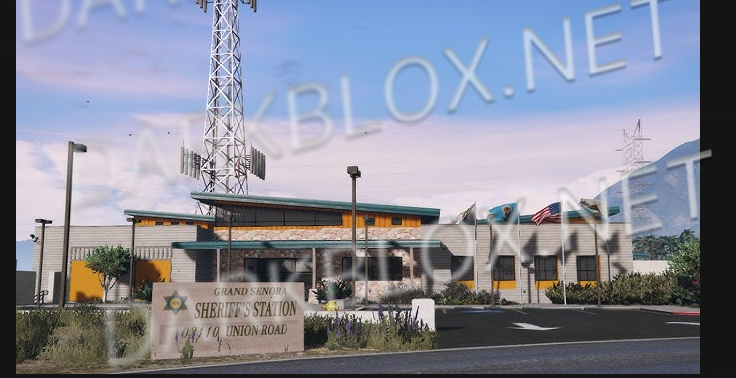
Grand Senora Sheriff's Station
Welcome to our optimized and completely new sheriff's station, designed to provide you with an immersive and realistic experience.
Featuring over 28 rooms and workshop. Our interior is fully interchangeable, allowing you to adapt the space according to your needs and create the perfect law enforcement headquarters for your server.
✨ Key Features
Audio Occlusion - Realistic sound propagation
Custom Scenarios - Unique interaction points
LOD ymaps - Optimized rendering at all distances
Interchangeable Rooms - Flexible layout system
Full Optimization - Maximum performance
This is not my leak. Credit Jxyden for this original leak. I'm only responsible for converting to single player and resolving some collision and model issues. ENJOY!!
What's New in Version 1.1.0
Released Tuesday at 04:44 AM
***UPDATED***
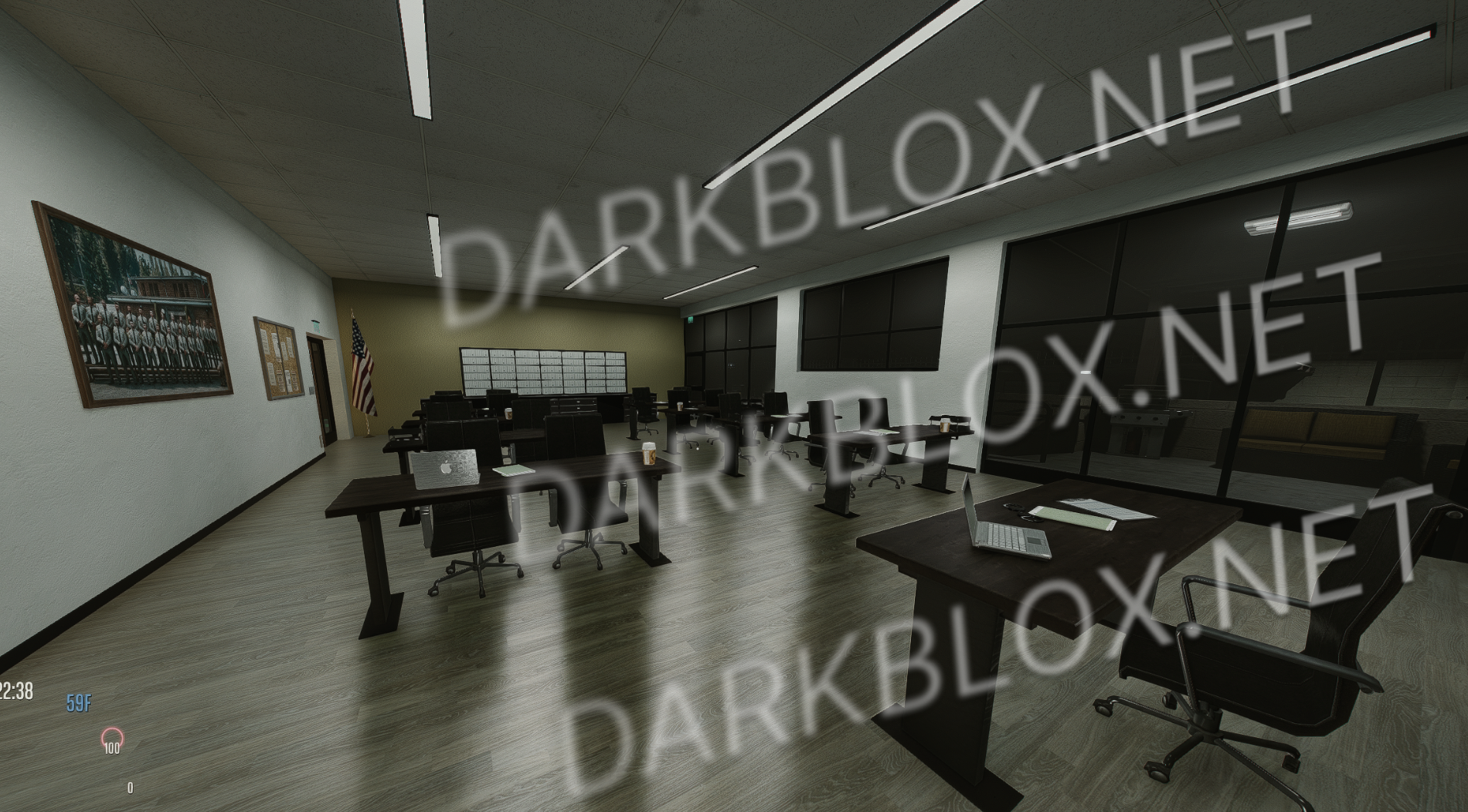
Enabled room layout in briefing room. (Furniture now appears) (see screenshot)
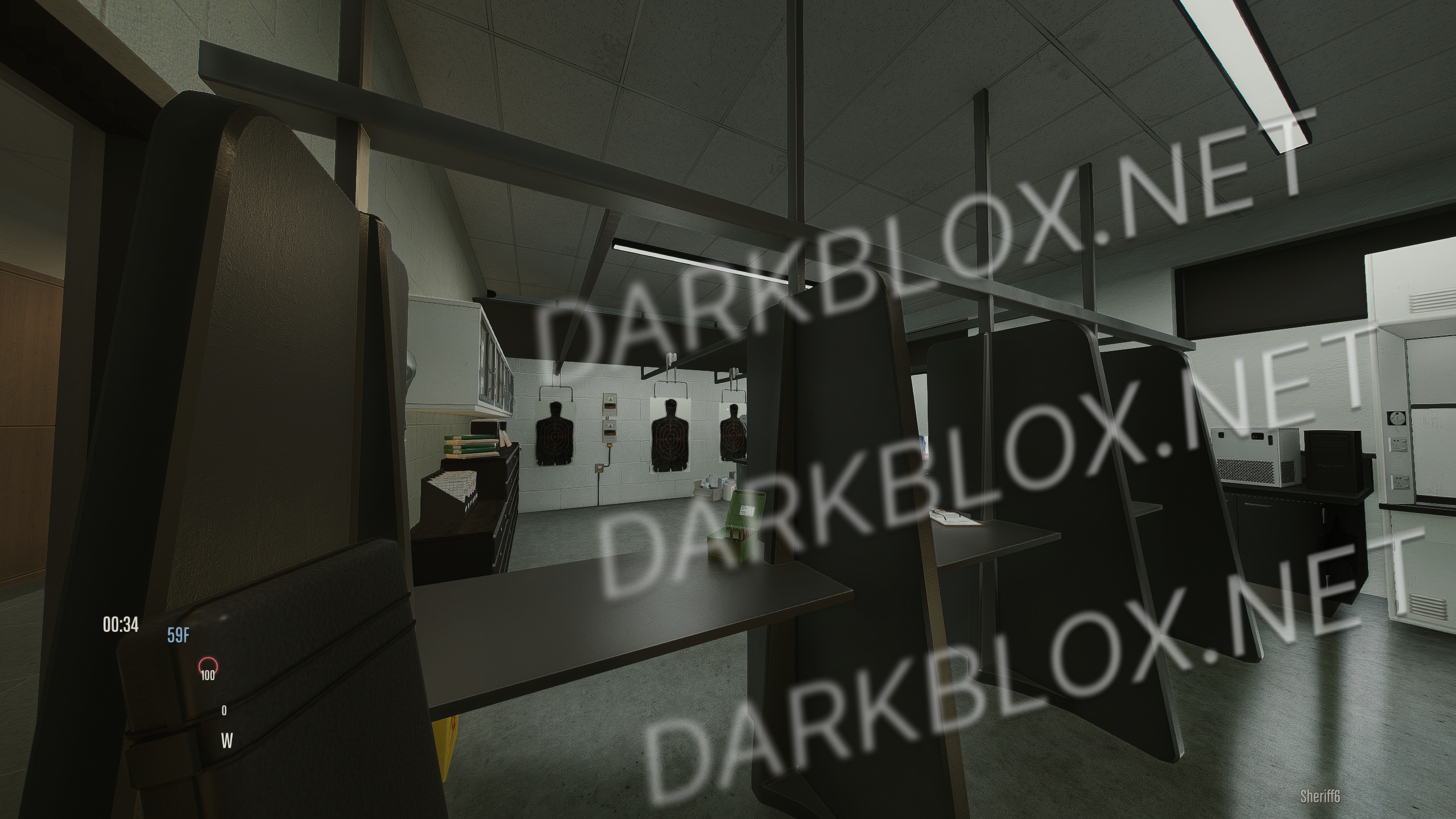
Enabled gun stalls in forensic lab (see screenshot)
I'll be doing one final update before moving on to edit another mod. Let me know if there's something that you would like to see added. I plan to add a custom scenario for NPCs to spawn in and around station. Drop a review on how this conversion went.
This is not my leak. Credit Jxyden for this original leak. I'm only responsible for converting to single player and resolving some collision and model issues. ENJOY!!


Recommended Comments
Create an account or sign in to comment