

Unlock seamless uniform management with our Uniform
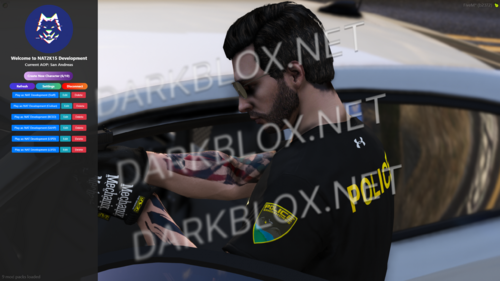
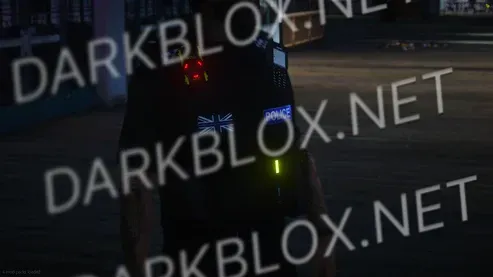
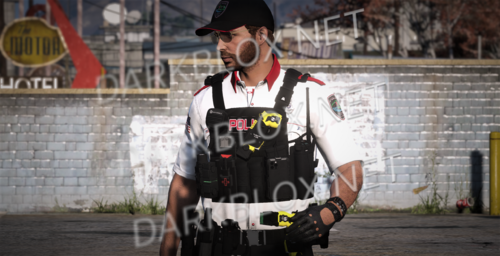
Menu Script. This script allows you to spawn your
unifarms via a user-friendly menu and save them using a
secure command. It features a PIN-based access system
to ensure only server developers/owners have the
authority to use the save command.
Key Features:
User-Friendly Interface: Easily spawn and manage
uniforms via an intuitive menu.
PIN-Based Access: Secure the save command with a
PIN to restrict access to autharized users anly.
Automatic Configuration Updates: Save uniforms with a
command that automatically updates the config file.
Benefits:
Save Time: No more manually retrieving and entering
MP clothing numbers.
Enhanced Security: Keep uniform management
restricted to trusted personnel.
Streamlined Process: Enjay an efficient, hassle-free
uniform saving process.
How It Works:
Spawn Uniforms: Use the menu to spawn your desired
uniforms.
Save Uniforms: Use the command /saveeup <PIN>
<Division> <Menu> <Outfit Namc> to sove
uniforms.
Automatic Updates: The config file is updated
autamatically with the saved uniforms.
Are you tired of constantly fetching MP clothing numbers
and manually updating configs? With mdx_UniformMenu,
you can now save uniforms effortlessly and ensure your
canfigurations are always up-to-date.
Please note: This script utilizes oxLib.



You may only provide a review once you have downloaded the file.
There are no reviews to display.