Registration is limited to Google Gmail & MailRU & Yahoo & Yandex email addresses.
Do not create multi-accounts, you will be blocked!
Leaderboard
-

val
General Manager1Points334Posts -
.jpg.2f694b991cad7c9e63739031817c299e.jpg)
XoKKsa
Active Member1Points35Posts -
Biaoqing Panda
Active Member1Points4Posts -
seedezz
Aureum Access1Points138Posts

Popular Content
Showing content with the highest reputation on 07/08/26 in all areas
-
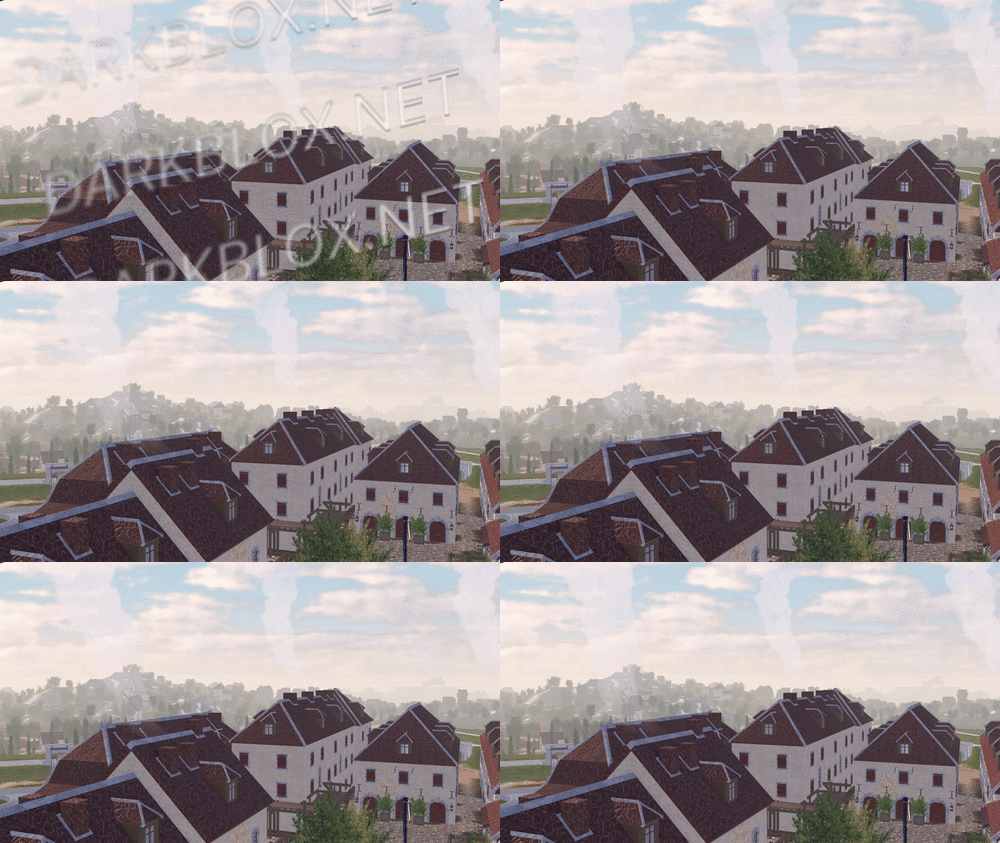 In-game screenshots: Loadout, chants, and weapon usage showcase: https://imgur.com/a/2SxFZd6 In-game screenshots in GIF version (to show more details.): https://imgur.com/a/2JdtelS For those who don't know how to setup the map, I'll explain it here. 1. Go to ServerScriptService: - In the Roblox Studio, find the section called "ServerScriptService." Then, look for a folder called "ThisMap." 2. Edit the Barraux Script: - Inside the "ThisMap" folder, you'll find a module script named "Barraux." Open this script and go to line 110. On that line, you'll see an ID number. Replace it with your own Roblox group ID. 3. Edit the French ModuleScript: - Now, go to a folder called "ThisNation." Inside, find the "French" module script. Open it and change the ID numbers at lines 77 and 101 to your Roblox group ID. // groupForPermission = group ID // minimumRank = minimum rank inside the selected group ID to have this in-game permission. 4. Edit Flag Navigation Permissions: - In the same "French" module script, click to view more files. Look for something called "FlagsNew." Inside, go to "FlagNavigationPermissions" and change the ID numbers starting from line 25 until the last line with an ID. // groupToSee = group ID // userIdToSee = player ID 5. Modify NavigationPermission ModuleScript: - Next, go to the "Loadouts" module script, click the arrow to view more. Inside, find the "NavigationPermission" module script. Here, you’ll need to change the ID on line 25 and every line with an ID until the end of the script. // groupToSee = group ID // userIdToSee = player ID 6. Update NavigationTable ModuleScript: - After you’re done with "NavigationPermission," go to the "NavigationTable" module script and change the ID starting from line 30 until the last line. // permission = player ID 7. TagsInfo Customization: - Now, go to the "TagsInfo" module script. Here, you can change the ID and customize any text as you like. 8. Edit TeamInfo ModuleScript: - Finally, go to the "TeamInfo" module script and update the IDs starting from line 99 all the way until the last line with an ID. There is a lot more for you to edit and customize; this is just a basic setup, and I'm sure you will figure it out on your own soon after you take a look around it. (You need to spoof all animation too.) Note: Weapons, company creation, and admin commands are functional in the game. More information and details on how to customize additional aspects might be added later if I'm not too lazy.Free1 point
 -
 Ur welcome guys some kid was selling ts for $100 USD yuh fuck that shitFree1 point
 -
1 point
 No, I'm not the creator. Go ask Solvraith, he's the one running those trash reuploads that get banned in a single day. He actually blocked me in DMs because he got offended by the truth about his garbage defense1 point
 -
1 point
-
🏍️💨 SUPERMOTO - OFFICIAL RELEASE 💥 decomp 🔥 SUPERMOTO - OFFICIAL RELEASE 🔥 Welcome to SUPERMOTO, the ultimate bikelife experience. Ride a detailed city built for speed, combos, and clean riding. Hit smooth wheelies, chain combos, and ride out with your crew. This is where real riders play. Customize your bike, master your control, and push your skills to the limit. It’s more than a game — it’s a full bikelife world. 🚀 FULL RELEASE • Revamped systems & performance • New bikes + improved handling • Clean UI + smoother gameplay 🎮 COMBOS 🖥️ Keyboard • 1 — Knee Knock • 2 — Reverse Knee Knock • 3 — Side • 4 — Stand on Seat • 5 — Seat Stander • 6 — Cross • 7 — Hand Drag • 8 — No Hander 🎮 Controller • D-Pad Up/Left/Down/Right — Combos 1–4 • Double Tap D-Pad — Combos 5–8 Ride out, hit combos, and take over the streets. 🏍️🔥 CREDITS • Maddog, Nito, 5asx- Owners • Tomhaus - Modeler • Jeo - Scripter File Information Submitter DIF5433 Submitted 06/03/26 Category Dexxed & Maps View File
 1 point
 -
1 point
-
0 points
 Tondo [Scripted]Heads up! I did NOT create this game. I only uploaded it to DarkBlox for others to have access to and be able to use the file. All credits belong to the original owners, creators, and developers of the game. Enjoy and happy developing! 😃 Disclaimers:I am not responsible for the quality of the game. I am not responsible for any bugs or missing assets, models, scripts, etc. I am not required to provide any additional support on how to make the game work. (Though I am always willing to TRY my best to help you with any questions/issues you may have via DarkBlox Messages or Discord (@austinparks)) Before You Play:For the best chance of the game working, please ensure the following: You have published the game to Roblox. You have enabled HTTP Requests. You have enabled Studio Access to API services. Additional Notes:Based on the game, you may also need to do the following to ensure it works properly: Spoof or replace any missing animations. Replace any missing/deleted IDs for assets, animations, audios, decals, etc. Change the character rig type from R15 to R6 or vice versa.Free0 points
 -
0 points
 Grab this high quality 2021 Chevrolet Silverado by GPI. What details does this truck bring to you? Custom Headlights and Tail lights Openable Doors Realistic Tailgate Closing Custom Handling Custom TunedFree0 points
 -
-1 points