Registration is limited to Google Gmail & MailRU & Yahoo & Yandex email addresses.
Do not create multi-accounts, you will be blocked!

xsiuph
Active Member
-
Joined
-
Last visited
Everything posted by xsiuph
-
Strange, if you could, add me on discord, I’d be more than happy to help you fix your problem. sunhjun#0000
-
have you looked into the developer console to see if any critical errors happen apart from the audios and animations? If so, please send a screenshot.
-
Go into settings, enable API access and allow HTTP Requests in the Security Tab, go into the avatar tab, make the avatar type R15 and the animation to Player Choice
-
-
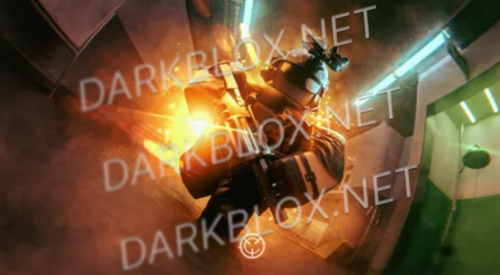 https://www.roblox.com/games/4572543057/SCI-Pathos-III If you don’t know what a script does, don’t modify it. Inside of door / gate models, find “Permissions”, change return{“BlaBla”} to return{“All”}. Do this for all Permissions if you don’t want to set up a group. Look at “Permissions” inside of teams and change to return(“All”) to be able to select themFree
 -
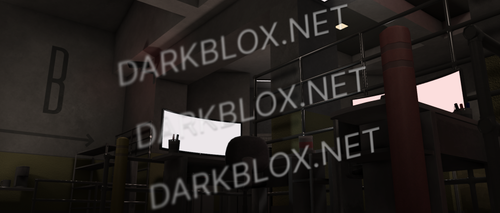 https://payhip.com/b/OPhABFree
 -
-
 https://payhip.com/b/k4hgOFree
 -
-