Registration is limited to Google Gmail & MailRU & Yahoo & Yandex email addresses.
Do not create multi-accounts, you will be blocked!

doodlebob
Active Member
-
Joined
-
Last visited
-
-
-
 WE are all buying ts 🤑
 -
-
 Ah, what a shame, hopefully somebody will upload a version with working scripts. Good job regardless though.
 -
I haven't tested it if it works, but are the regular scripts supposed to not have anything in them?
-
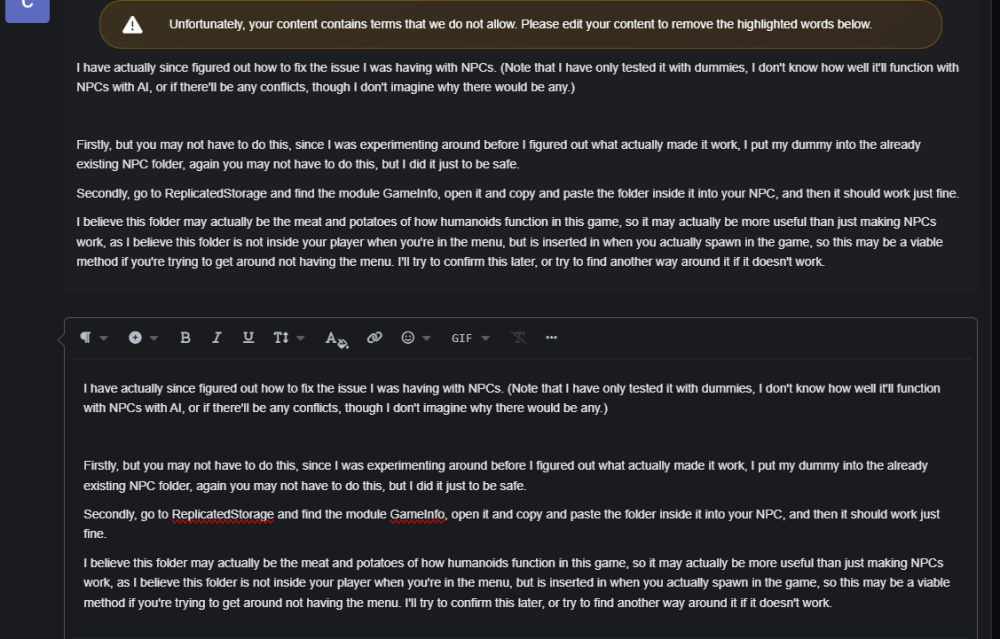
I'm again having an issue with the website incorrectly flagging contents in my messages, so it'll just be another image. Hope this helps!
-
 Has anyone been able to find a way to get around the main menu? Every time I try to delete or disable it, it unfortunately breaks the whole game.
- 17 comments
- 11 reviews
-
One issue that I'm currently facing though, is that the weapons don't seem to be damaging NPCs. If anyone finds a fix for this, let me know. If I do, I'll post what I did to fix it here. This error message appears after you shoot an NPC.

-
Unfortunately, I'm using this game as a framework to build off of on a project I'm planning to make, so I wont be able to help you directly (like team create and such.) But, as I dissect and figure out how this game functions, I'll definitely post my findings and tutorials of how I did things to help everyone interested in using this game on here. Good luck on your game.
-
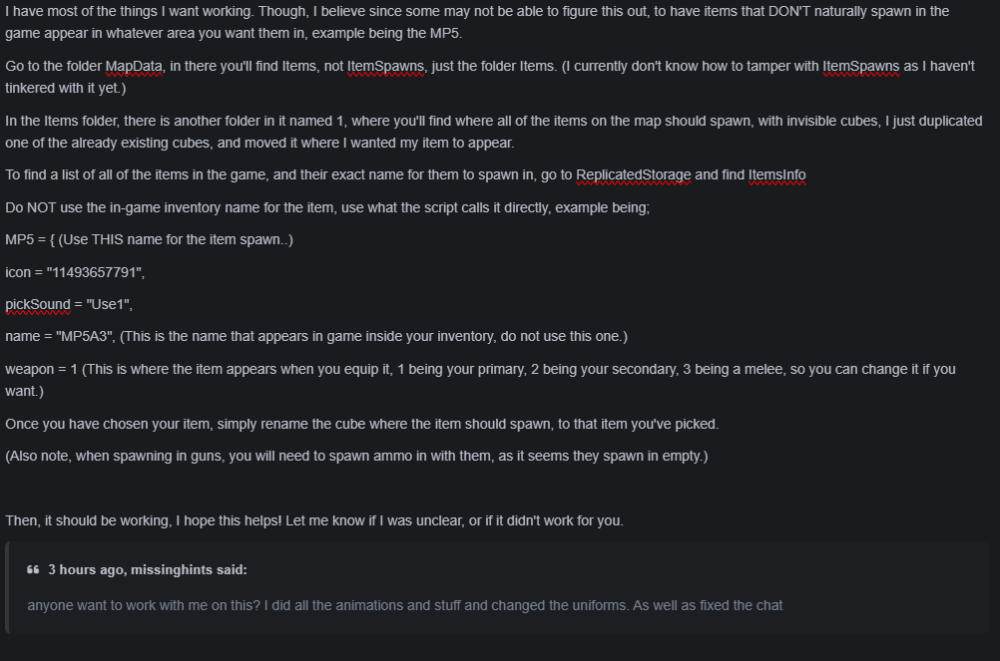
For some reason, the website will not allow me to post this, instead here's this image.
-
-
Thank you a ton!
-
Push comes to shove, if nothing ever comes up, I'll buy the file for it then upload it for free on here.
-
That would be greatly appreciated, let me know if you ever do. ❤️




