Registration is limited to Google Gmail & MailRU & Yahoo & Yandex email addresses.
Do not create multi-accounts, you will be blocked!

clenet
Active Member
-
Joined
-
Last visited
-
-
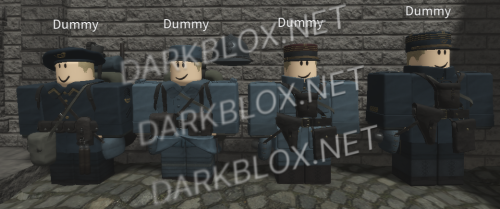 yup it was asseted already given by the actual modeller aka TB90 he gave the assets from few trusted friends and creator like around 20 but since someone doc the game and TB90 stop giving it atleast i got the maps and other stuff
- 14 comments
- 2 reviews
-
To be honest.. you're quite late i got these model since the game got release thanks to my friend that are friends with the modeler you're quite missing the entire germany set and french set because i have all of them that includes the maps Here's some proof that i have them, i don't want to show the entire kit because i just pick my fav kits from the game.. they are just move aside behind me and all and i also notice that you don't have the torso mesh and leg mesh from the game. but anyway i got the assets too early and i had fun with them
- 14 comments
- 2 reviews
-
 Bro..it doesnt work. like this studio only brings me to the menu of roblox studio..
 -
 This is a old version of pineridge but cool and i dont need it because i already have the newer version of pineridge..
- 5 comments
- 1 review
-
1
-
clenet changed their profile photo
-
-
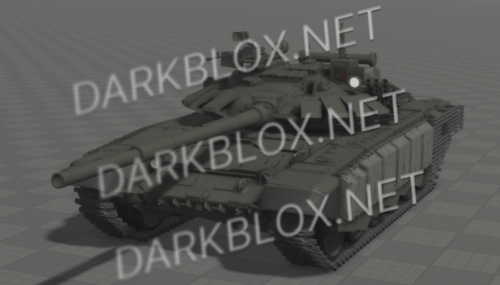 Boi how did you even get these file?? like those clothing on those troops created by me
- 7 comments
- 6 reviews
-
Idk how you guys manage to get my friend assets but i would like to let you know that she have a new version of her kit and i have it
- 7 comments
- 6 reviews