Registration is limited to Google Gmail & MailRU & Yahoo & Yandex email addresses.
Do not create multi-accounts, you will be blocked!


ORVROO
Active Member
-
Joined
-
Last visited
Everything posted by ORVROO
-
-
-
-
-
-
-
-
-
-
-
-
-
-
We need a new link for the invite
-
 im also unable to enter the cars i dont seem to have my wallet as well and theres no admin, the sheriff team dont work and the cars arent etnerable
- 9 comments
- 3 reviews
-
-
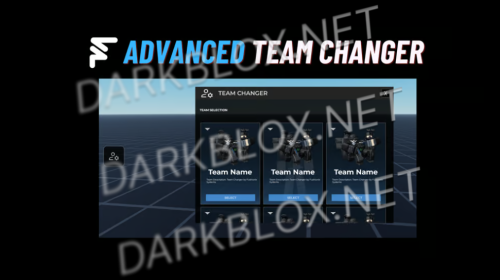
good but theres a few issues 1: the keys dont work when u equip them they dont go back away affter 2: the teams, there issint a way to switch teams wich is the main reason i got this 3: the walk animiation is bugged. other than that AWSOME!!! :D
- 9 comments
- 3 reviews
-
-
-
-
-
-
 same for me gng i cant spawn with the void it shows teams and chat and all but i cant like spawn i deleted the module tingy two
- 16 comments
- 7 reviews
-
 how do i download this its the same with all files its saying i cant download it like "Sorry ur not permited"
- 7 comments
- 1 review