Registration is limited to Google Gmail & MailRU & Yahoo & Yandex email addresses.
Do not create multi-accounts, you will be blocked!


Enterprise
Member
-
Joined
-
Last visited
-
-
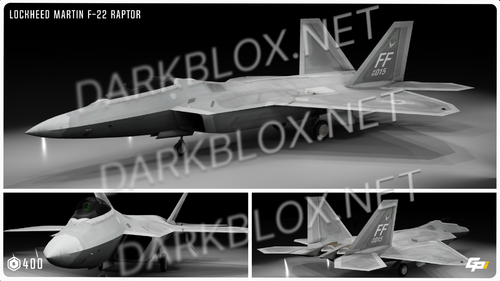 Works pretty well, the only thing is the mid textures that sucks a bit
 -
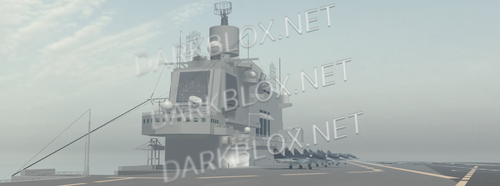 Very Great, High quality and stuff, i just recommend not making it a moving thing, because it will lag a lot roblox being roblox, shitty servers and engine
- 2 comments
- 1 review
-
- army
- boat
- detailed
- high detail
-
Tagged with:
-
 Cool but.. uhh.. it has texture issues sometimes like taking a whole time to fully load
 -
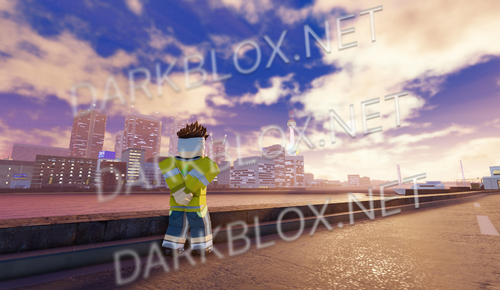 Its 100% Complete by what i saw yea use it if you want some cool PVP maps because why not?
 -
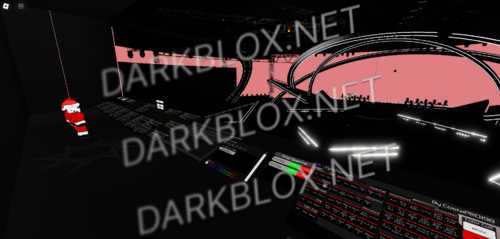 Yea, 100% great, i just dint get what it should be used for, but its very good
 -
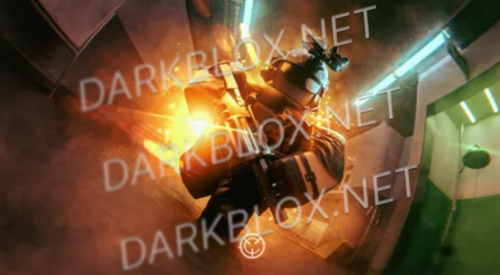 Well i will we-write this: YEA IT WORKS FULLY, you just need change permission stuff but in a geral way everything works btw you need re-up the animations, because for some reason roblox has alzhaimer and dont lets you use other people animations, or you can just stay with your 682 like a statue: thats hot fr
 -
 It works pretty well, the only problem i found was a bit of lag that stopped later and the gear dint work, most probably a small fix and it works
 -
 Works well, i recommend for military use, because its easy as hell configure it
 -
Enterprise changed their profile photo
-
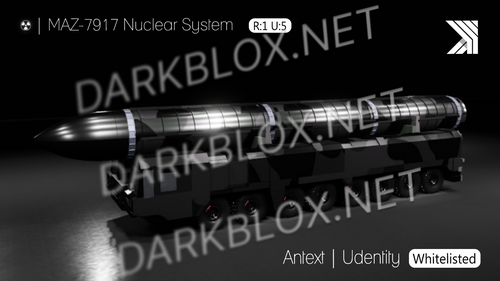 Very good, literally you need be a wild guy to crack smth from kailber, specially when they use the whitelist shit thing

