Registration is limited to Google Gmail & MailRU & Yahoo & Yandex email addresses.
Do not create multi-accounts, you will be blocked!

arminius55
Active Member
-
Joined
-
Last visited
-
 you're a retard for making people pay for this shit
 -
arminius55 changed their profile photo
-
 easily fixable
 -
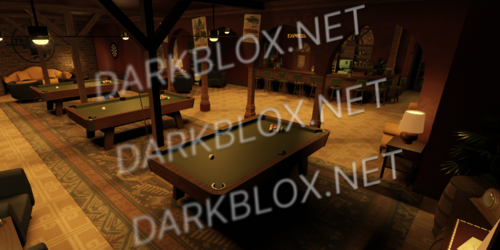
Welcome to the Black Cat, situated right above a original 1984 jazz club. The Black Cat serves to all your Jazz needs, from a hangout to a music central. The Black Cat is superb setting to socialise, connect with people and have a great time. With it's timeless build and soothing jazz classics you'll feel right at home.Free
-
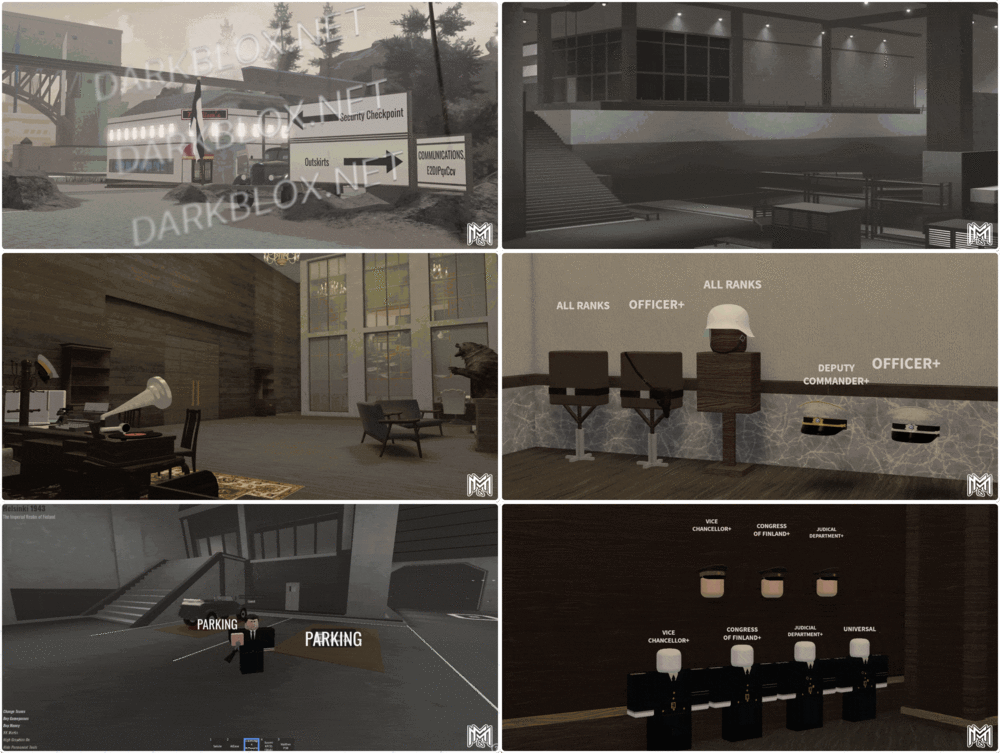 A large size map that can be used for a WW2 community. The buildings and structures are high quality with great details, most of them have an interior. Every team has their own uniforms. A lot of areas that can be used to train future and current soldiers of your community. Secrets zones that can be accessed only by the high-ranking officials. It has vehicles and helicopters. (idk if they work)Free
 -
The Imperial Realm of Finland, Helsinki 1943 (saveinstance, no terrain) A large size map that can be used for a WW2 community. The buildings and structures are high quality with great details, most of them have an interior. Every team has their own uniforms. A lot of areas that can be used to train future and current soldiers of your community. Secrets zones that can be accessed only by the high-ranking officials. It has vehicles and helicopters. (idk if they work) File Information Submitter arminius55 Submitted 12/01/24 Category Maps View File
-
-
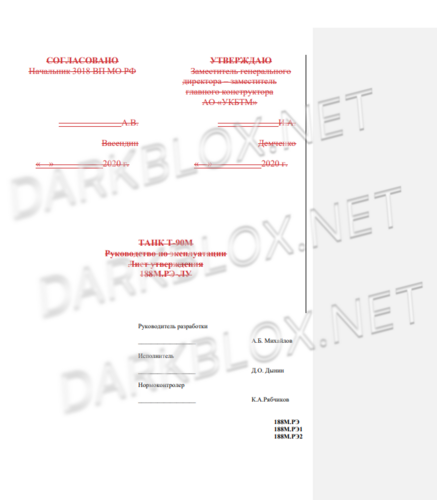 already got d 4+ months ago, do better
 -
 SIREN NO WORK
 -
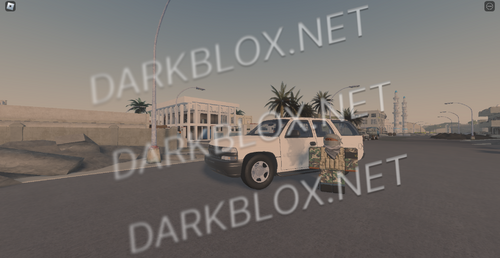 10/10. Best map ive seen on darkblox honestly. I dont know where this dude got a as such as good as this! Honestly incredible
- 2 comments
- 6 reviews
-
2
-
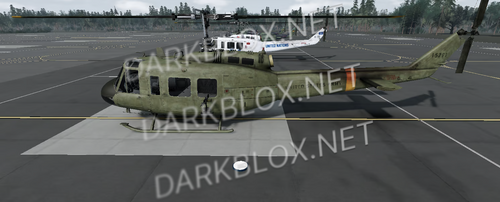 doesnt even work