Registration is limited to Google Gmail & MailRU & Yahoo & Yandex email addresses.
Do not create multi-accounts, you will be blocked!


J Games
Active Member
-
Joined
-
Last visited
-
 iIt looks so cool! But the reactor ain't starting. Can you help me?
 -
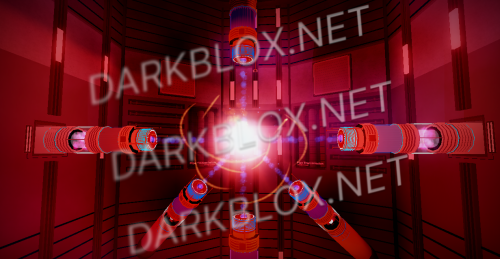 I love this! The only thing it needs is more scripting. And I dont know what happens if you publish the game. Maybe the game will just get deleted because of coping the original game.
- 9 comments
- 3 reviews
-
2
-
You got literally like 3 or 4 files that have Reactor games in them on this website. Just search "Reactor" or "Reactor core".
-
 He got terminated from Roblox for an unknown reason. (I don't know why he got terminated)
- 8 comments
- 4 reviews
-
-
-
-
-
-
-
J Games changed their profile photo
-
-

.thumb.webp.967904e4aaa4336e5f216db8a4c6add6.webp)

.thumb.webp.ef7ec36c08c0ff1c7c43905931f8f734.webp)