Registration is limited to Google Gmail & MailRU & Yahoo & Yandex email addresses.
Do not create multi-accounts, you will be blocked!

notgreg
Active Member
-
Joined
-
Last visited
-
-
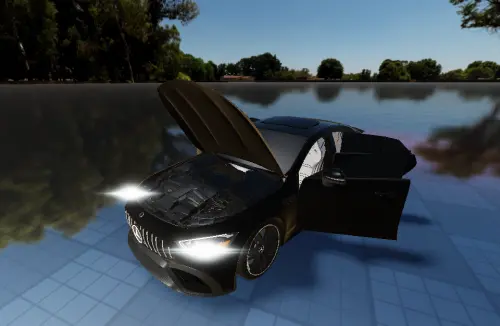 if youre gonna put shit on my chassis (it's 1.5 gc btw not 1.7) atleast make it free bro 🙃
 -
-
 hi fonods here what exactly are you gaining from asseting my slots (old ones aswell as most recent ones as it seems apparently) because you have some sort of beef with your ex friend, what's the corelation here i don't really understand but i'm lowkey curious to find out
 -
 ill drop a comment, cant reply to a review - i owned slotware before brev took over, some of the cars youve posted were either my own creations (panamera, q7, 211 sedan etc, i'm the original creator of those) and some were collabs (sorento/golf for an example, although brev didn't do anything on that car and i collabed w/ someone else), and some were made by the other slotware devs, like illfy (w211 wagon). im also responsible for some axiom cars lol (urus, golf, rr cullinan for an example)
 -
i remember making this one and getting flamed for it being ass so hard lol. ty for a little flashback to my old work, glad to see it get a new life, maybe some folks will finally get some good usage out of this lwk i prefer it to be free for all to enjoy unlike my old good friend who apparently resells my sorento lol
-
 honestly my dude i cant even be mad at this, i'm very glad my older slots still get the love they deserve!! (this, the q7, the w211 sedan etc.) unlike some dudes that bought stuff and kept reselling for triple the price lmao