Do not create multi-accounts, you will be blocked!
If the site is blocked, use our mirror:
dbx.st
More stable than the .net version. We are moving everything to dbx.st soon. The .net domain will remain as a backup.
Dexxed & Maps
2047 files
-
- Free
- 27 Downloads
-
- Free
- 15 Downloads
-
- Free
- 8 Downloads
-
- Free
- 9 Downloads
-
- Free
- 310 Downloads
- 1 Comments
-
- Free
- 328 Downloads
-
- Free
- 260 Downloads
-
- Free
- 393 Downloads
-
Ultra detailed chinese restaurant BUT small af
- Free
- 202 Downloads
-
- Free
- 778 Downloads
- 1 Comments
-
- Free
- 256 Downloads
-
- Free
- 150 Downloads
-
Kandagar asset, without any scripts
U can just take buildings or trees, idk
- Free
- 141 Downloads
-
- Free
- 613 Downloads
-
- Free
- 221 Downloads
-
- Free
- 5611 Downloads
-
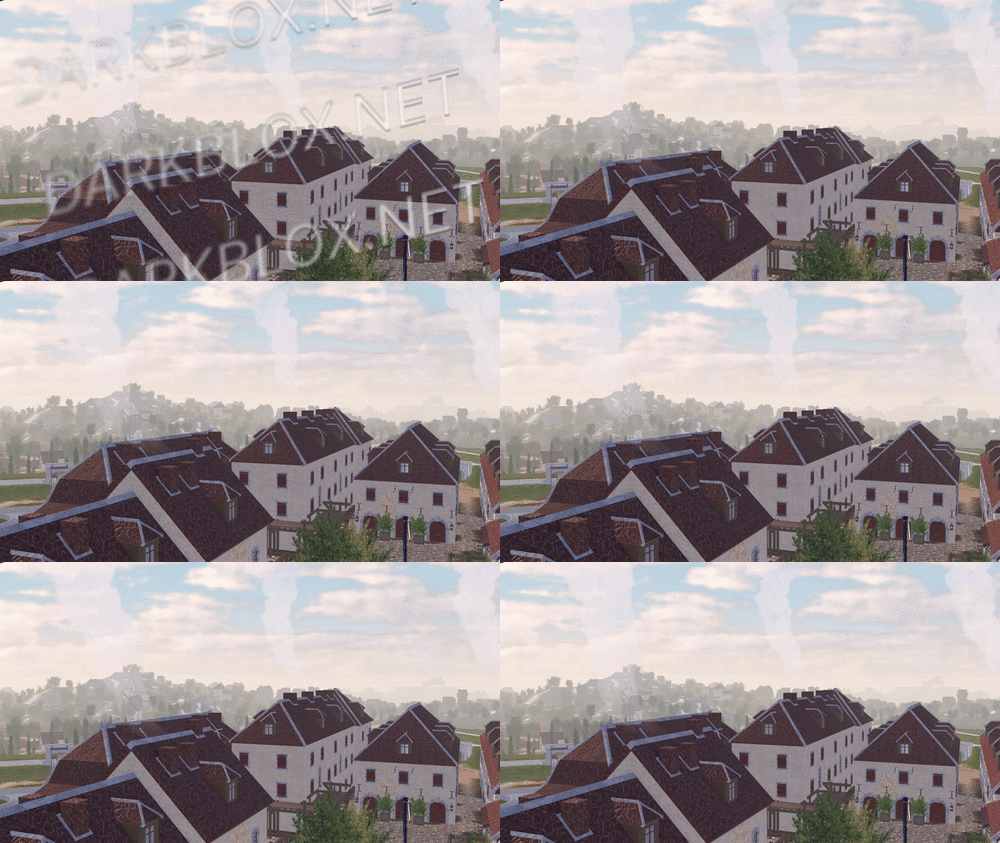
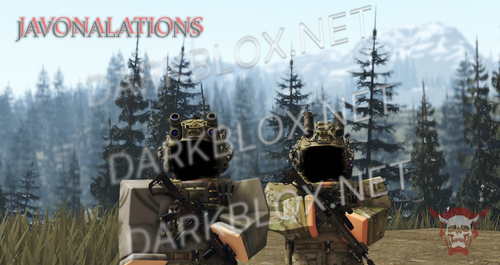
In-game screenshots:
Loadout, chants, and weapon usage showcase: https://imgur.com/a/2SxFZd6
In-game screenshots in GIF version (to show more details.): https://imgur.com/a/2JdtelS
For those who don't know how to setup the map, I'll explain it here.
1. Go to ServerScriptService:
- In the Roblox Studio, find the section called "ServerScriptService." Then, look for a folder called "ThisMap."
2. Edit the Barraux Script:
- Inside the "ThisMap" folder, you'll find a module script named "Barraux." Open this script and go to line 110. On that line, you'll see an ID number. Replace it with your own Roblox group ID.
3. Edit the French ModuleScript:
- Now, go to a folder called "ThisNation." Inside, find the "French" module script. Open it and change the ID numbers at lines 77 and 101 to your Roblox group ID.
// groupForPermission = group ID
// minimumRank = minimum rank inside the selected group ID to have this in-game permission.
4. Edit Flag Navigation Permissions:
- In the same "French" module script, click to view more files. Look for something called "FlagsNew." Inside, go to "FlagNavigationPermissions" and change the ID numbers starting from line 25 until the last line with an ID.
// groupToSee = group ID
// userIdToSee = player ID
5. Modify NavigationPermission ModuleScript:
- Next, go to the "Loadouts" module script, click the arrow to view more. Inside, find the "NavigationPermission" module script. Here, you’ll need to change the ID on line 25 and every line with an ID until the end of the script.
// groupToSee = group ID
// userIdToSee = player ID
6. Update NavigationTable ModuleScript:
- After you’re done with "NavigationPermission," go to the "NavigationTable" module script and change the ID starting from line 30 until the last line.
// permission = player ID
7. TagsInfo Customization:
- Now, go to the "TagsInfo" module script. Here, you can change the ID and customize any text as you like.
8. Edit TeamInfo ModuleScript:
- Finally, go to the "TeamInfo" module script and update the IDs starting from line 99 all the way until the last line with an ID.
There is a lot more for you to edit and customize; this is just a basic setup, and I'm sure you will figure it out on your own soon after you take a look around it. (You need to spoof all animation too.)
Note: Weapons, company creation, and admin commands are functional in the game. More information and details on how to customize additional aspects might be added later if I'm not too lazy.
- Free
- 1680 Downloads
- 18 Comments
-
- Free
- 613 Downloads
-
- Free
- 792 Downloads
-
- Free
- 90 Downloads
-
- Free
- 341 Downloads
- 2 Comments
-
- Free
- 182 Downloads
-
Ah, yes. One of the classic camps l https://cdn.discordapp.com/attachments/1281970701271564320/1281971154348671088/ArbeitMachtFrei_2-1.mov?ex=670e6fad&is=670d1e2d&hm=967ba43d8b262d7d55e73a69f1ae88ba40205def61ef27a5f71ccf96248d6ce1&
- Free
- 178 Downloads
-
- Free
- 228 Downloads
-
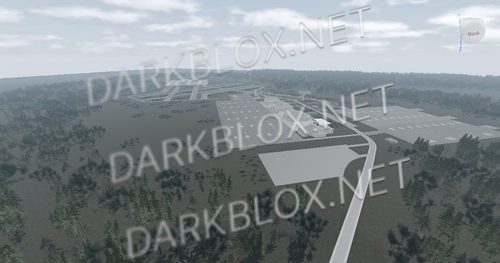
Extremely detailed Very big 1:1 replication of real life Realistic terrains and lighting Large forest area Perfect for US Army Aviation groups Accurate buildings No vehicles or scripts included in the map
- Free
- 168 Downloads





Featured Files
-
- 574 Downloads
- 2 Comments
-
- 433 Downloads
- 15 Comments
-
- 3125 Downloads
- 93 Comments
-
- 1124 Downloads
- 1 Comments
-
- 5080 Downloads
- 101 Comments



.thumb.jpg.a237428f121dee15540ca43c17e88147.jpg)


.thumb.webp.aa2e1d8010bcf13356419c4b2a16c392.webp)



File Reviews
-
LT Site B-16 Open Source (OLD AND SAVEINSTANCED)
what is this shit
-
Zombie AI V.3/System
Mid, maybe i did something wrong, but they dont attack or target you, they stand there or just wander randomly. VFX decent, SFX decent, some lag when they get an aura or something but just mid overall
-
MM2, Fully Scripted.
"For legal purposes I do not claim Ownership of this game nor do I the asseting/distribution of this Asset."
Exactly How described: Asseted/Asset -
Florida State Roleplay (UNSCRIPTED, FULL MAP) - ReaperSouth
Good map But See If You Can Get The New Map of Bear C and Get the map of 37 By Idev_crim
-
Casa de Detenção de São Paulo "Carandiru, 1991", By Eros
THE BEST FUCKING asset OF THIS WEBSITE.


.thumb.webp.0553b2343f08ec26d0a982fd64175b05.webp)