Skip to content
Do not create multi-accounts, you will be blocked!

SCI - Pathos III (2020 Version), Fully Scripted 1.0.0

(5 reviews)

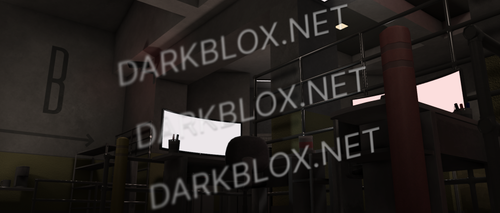
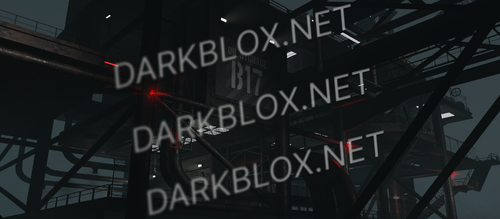
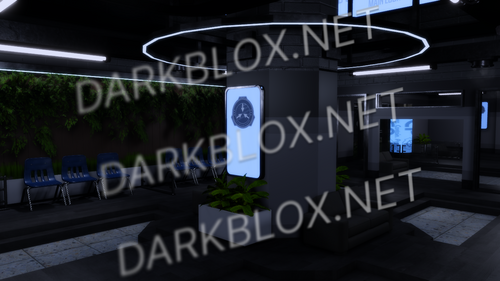
1 Screenshot

https://www.roblox.com/games/4572543057/SCI-Pathos-III

If you don’t know what a script does, don’t modify it.
Inside of door / gate models, find “Permissions”, change return{“BlaBla”} to return{“All”}. Do this for all Permissions if you don’t want to set up a group.
Look at “Permissions” inside of teams and change to return(“All”) to be able to select them

What's New in Version 1.0.0

Released

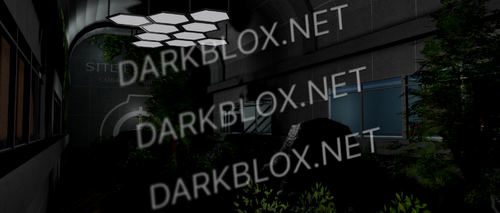
Added picture
User Feedback

You may only provide a review once you have downloaded the file.


dont work

   1 of 1 member found this review helpful 1 / 1 member

It's working as it should.

It's TOO BIG for my taste but it's good.

   0 of 1 member found this review helpful 0 / 1 member

im stuck at loading what do i do

   2 of 6 members found this review helpful 2 / 6 members

Im stuck in the Loading Srceen help please

   3 of 6 members found this review helpful 3 / 6 members

Well i will we-write this: YEA IT WORKS FULLY, you just need change permission stuff but in a geral way everything works btw you need re-up the animations, because for some reason roblox has alzhaimer and dont lets you use other people animations, or you can just stay with your 682 like a statue:

image.png

thats hot fr

Other files from xsiuph


Powered by darkblox.net

Account

Navigation

Search

Search

Configure browser push notifications

Chrome (Android)
  1. Tap the lock icon next to the address bar.
  2. Tap Permissions → Notifications.
  3. Adjust your preference.
Chrome (Desktop)
  1. Click the padlock icon in the address bar.
  2. Select Site settings.
  3. Find Notifications and adjust your preference.