Skip to content
Do not create multi-accounts, you will be blocked!

Mountain Interactive Loading Screen 1.0.0

(1 review)

1 Screenshot

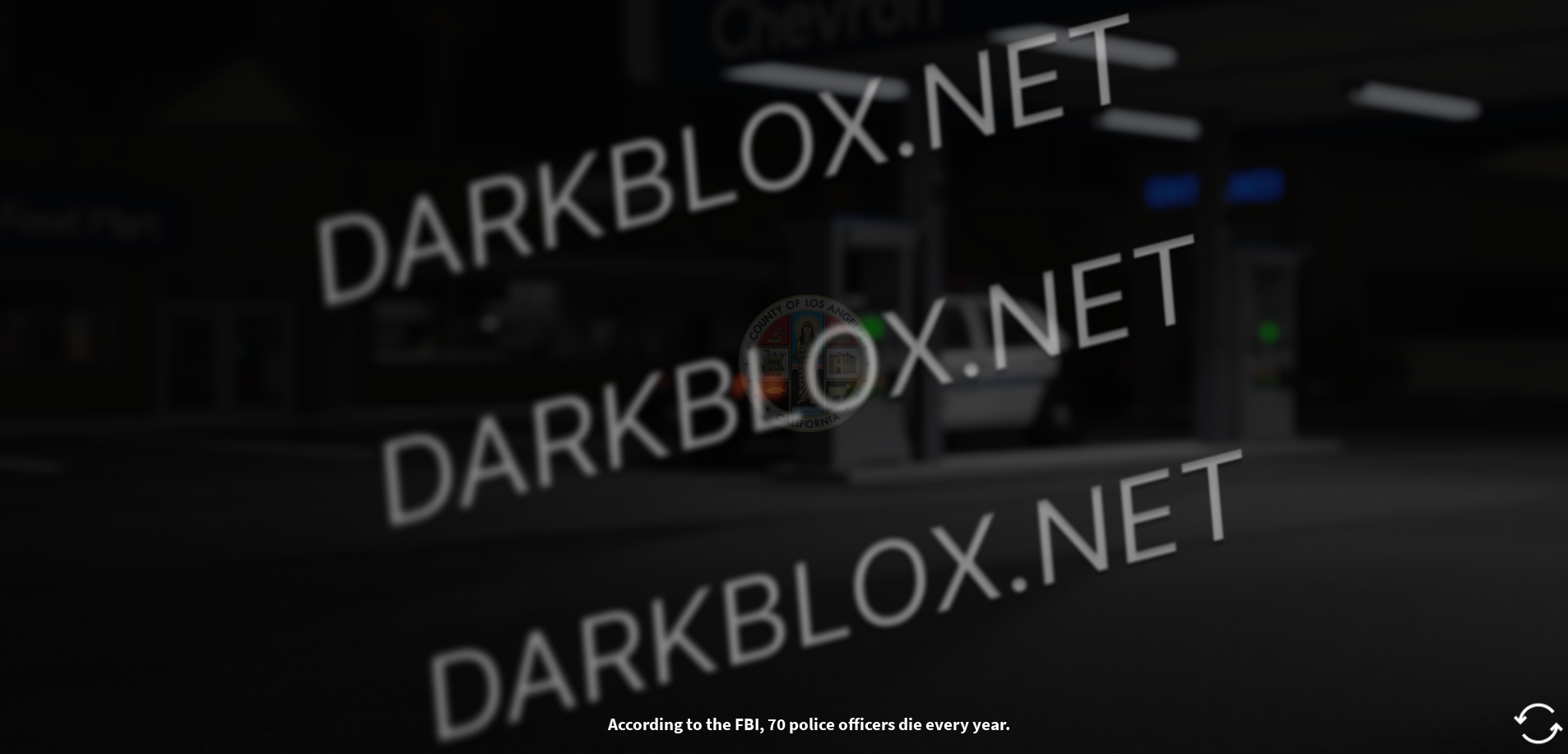
Los Angeles Loading Screen

This release includes their Los Angeles loading screen. The next release will show the Perris/LA server selection screen.

NeuroCoder out. See you in the next relesase.

User Feedback

Recommended Comments

aaaaase3

Active Member

either it doesnt work, or i dont know where to put it

russianfrmla

Active Member

atp just realese the whole game 💔

neurocoder

Active Member

5 hours ago, russianfrmla said:

atp just realese the whole game 💔

Will be done.

neurocoder

Active Member

18 hours ago, aaaaase3qwaewewqeaweaweawe said:

either it doesnt work, or i dont know where to put it

Do you want an tutorial?

JIMMY ETHAN

Member

4 minutes ago, neurocoder said:

Do you want an tutorial?

Yes please

nick smock

Member

i need a tutorial too

tmd

Active Member

14 hours ago, neurocoder said:

Do you want an tutorial?

yeah me too

A person

Member

On 3/17/2025 at 5:48 AM, russianfrmla said:

atp just realese the whole game 💔

Someone already released the Perris and LA Games, if you click on the MountainInteractive Tag you'll find it ;)

Esotili

Active Member

gng idk where to set up or it js doesn't work :sob: :pray:

1mimi448

Member

I got the whole los angeles MI map and the UI within the guns and LAPD, LASD, USMS gears. But no cars....

miinteractive473

Active Member

I've got everything working. The FireServer, the APD cars (fully scripted working APD cars that I exported from like the 50th LA map I have downloaded), the teams, the whitelist perms, the uniforms. Everything. The only problem is the sirens on the APD cars don't play. Each car has the sound asset ID loaded but when I activate the siren, the only sound you hear is the beep sound thing and I think it's because in the error logs, it says "You do not have permission to use sound asset ID:...... (and so forth)"

Does anyone have the siren assets that I can use?

Esotili

Active Member

On 3/17/2025 at 2:52 PM, neurocoder said:

Do you want an tutorial?

Shouldn't it be simple? i mean, i don't really know where to place it, but anyway, yes, we all need a tutorial about this. I have a question, is this entirely customizable? and if so, could you make a tutorial on how to properly do so? and if it isn't, well, i don't think you could make a tutorial ab it, soooo slide ur blue app or sm

Create an account or sign in to comment

Other files from neurocoder


Powered by darkblox.net

Account

Navigation

Search

Search

Configure browser push notifications

Chrome (Android)
  1. Tap the lock icon next to the address bar.
  2. Tap Permissions → Notifications.
  3. Adjust your preference.
Chrome (Desktop)
  1. Click the padlock icon in the address bar.
  2. Select Site settings.
  3. Find Notifications and adjust your preference.