Skip to content
Do not create multi-accounts, you will be blocked!

Mountain Interactive Loading Screen 1.0.0

(1 review)

1 Screenshot

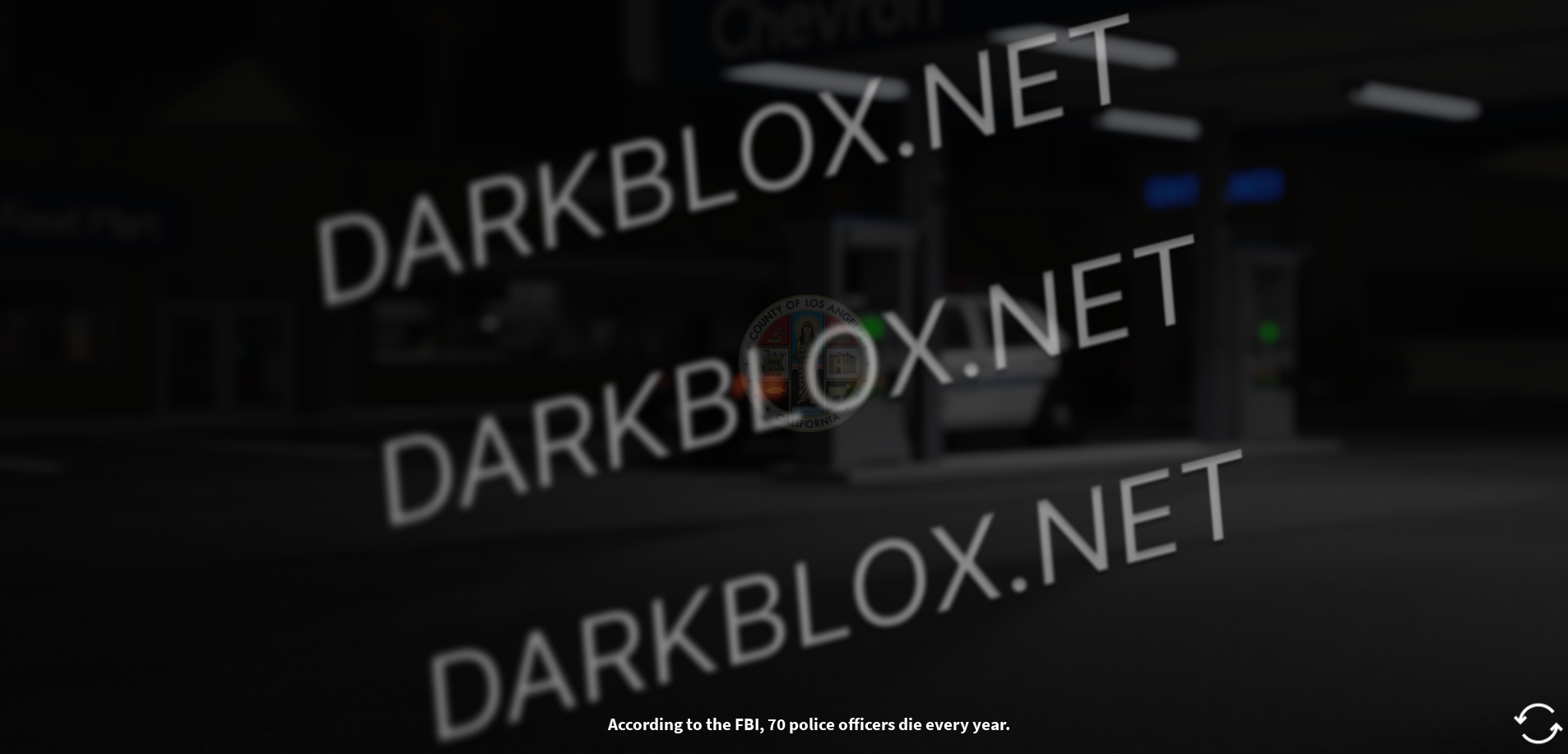
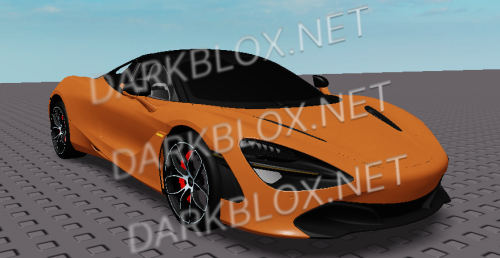
Los Angeles Loading Screen

This release includes their Los Angeles loading screen. The next release will show the Perris/LA server selection screen.

NeuroCoder out. See you in the next relesase.

User Feedback

You may only provide a review once you have downloaded the file.

   6 of 6 members found this review helpful 6 / 6 members

First of all; Neurocoder doesn't answer comments nor dms; so basically he's just ignoring me and a lot of people.
So, the main problem is, we don't really know where to put this, and if we do, it just doesn't work.
I've reviewed the model, and i haven't seen an actual script that made the images change, play sounds nor anything, and when you place it in StarterGui it just stays there and doesn't do anything.
So, yeah. If Neurocoder does get this thing to work, i would really appreciate it, but for now, don't download it unless he gives out a public answer/fix to this.
Hope this helped.

Other files from neurocoder


Powered by darkblox.net

Account

Navigation

Search

Search

Configure browser push notifications

Chrome (Android)
  1. Tap the lock icon next to the address bar.
  2. Tap Permissions → Notifications.
  3. Adjust your preference.
Chrome (Desktop)
  1. Click the padlock icon in the address bar.
  2. Select Site settings.
  3. Find Notifications and adjust your preference.