Registration is limited to Google Gmail & MailRU & Yahoo & Yandex email addresses.
Do not create multi-accounts, you will be blocked!

PlayStation Portable
Member
-
Joined
-
Last visited
-
 i do say all of them 😂
 -
 idk what your point is in trying to stop people from downloading the barruax map. here’s the reality of your file compilation: 90% of the maps in the files included nws assets, and some assets, like the trees, uniform (ex. in the BAVigTerrain.rbxl) are even the exact same ones from nws. most of the files are garbage, the only good part is the acw tech. everything else is full of nws assets, or outdated tech, and old systems. i mean, if you actually had better files than barruax or the other napoleonic files people have posted here, then id definitely support you, but these files are garbage
 -
-
.thumb.png.9fd7236710ff2ecea2e59187959223e0.png) I’m not sure if this is good or not because I can’t play the game with it. Every time I publish my place, it gets deleted immediately and my account receives a warning from Roblox. Is there any way to fix this issue?
I’m not sure if this is good or not because I can’t play the game with it. Every time I publish my place, it gets deleted immediately and my account receives a warning from Roblox. Is there any way to fix this issue? -
-
 love it! 🔥🔥
 -
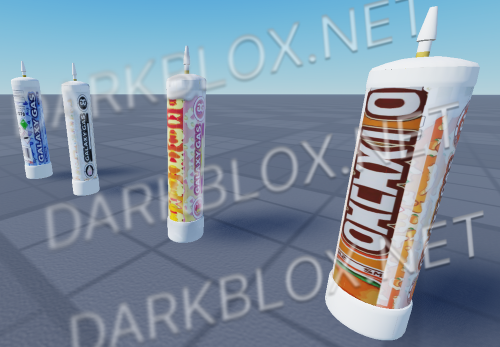 When you use it will make your screen blur, no other effects, nothing special about it. If you want to use it on another map, you need to drop it and pick it up again to be able to use it, or else it will be broken.
 -
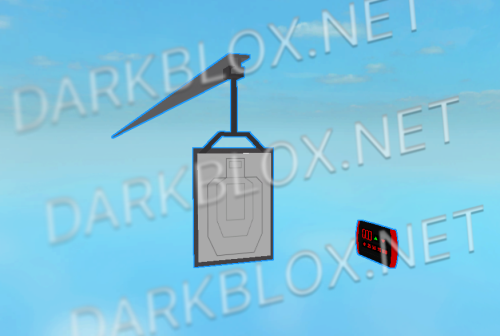 It's broken. It works only once, and when you try to use it again, it won’t move.
 -
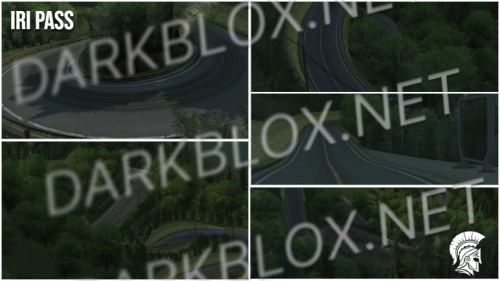 the best driving map with forest decoration i've ever seen so far
 -
 10/10 ❤️❤️❤️🔥🔥
 -
 it’s mid-tier, worked in both r15 and r6
 -
 a nice set of beret and sun helmet, i do give it an 8.5 out of 10
 -
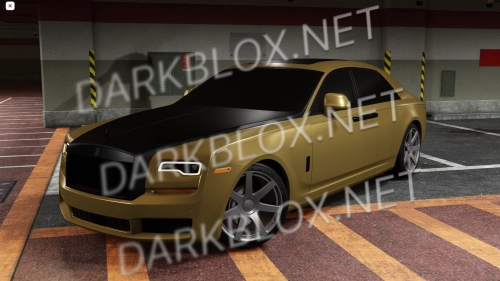 normal A-Chassis car. the turn signals and hazard lights are broken, but everything else works fine
 -
 everything looks like the image but the seat doesn't work
 -
 everything works fine (though was a bit confused when i first used it 😅)