Registration is limited to Google Gmail & MailRU & Yahoo & Yandex email addresses.
Do not create multi-accounts, you will be blocked!


Cow
Active Member
-
Joined
-
Last visited
Everything posted by Cow
-
-
-
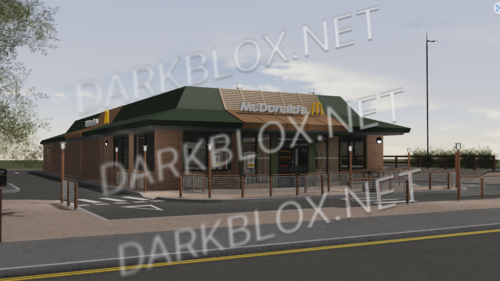 No way they have a roblox model of your McDonalds
 -
-
 Keep it up, this is actually sick
 -
-
-
 Awesome vehicles 🚗
 -
-
Did you make sure the game was fully scripted?
-
@TheFunnyGuy Explain 👀
-
 WWWWWWWW
 -
they have lol
-
-
-
-
-
Have a great rest of your day, if you need anything make a new thread. Thanks ♥️
-
-
-
I think you are referencing @Kai Rowley’s ACS post.
-
Try redownloading the file or reinstalling studio.
-
Can you please elaborate on your issue? Send me the link of the file you got the game from. Also be sure you are in R6 and API Requests are on in studio.
-
If you want to download assets from our website the only requirement is that you have an account. When you make your account you can click the download button to the on the asset page. After downloading a MAP you usually receive a .rbxl file, open the file by double clicking and you can do as you please from there. If you are looking where all the games categories are, go to the homepage and choose Scripted Games or Maps category on the right side of your screen again. Thanks.
-