Registration is limited to Google Gmail & MailRU & Yahoo & Yandex email addresses.
Do not create multi-accounts, you will be blocked!

ec1
Active Member
-
Joined
-
Last visited
-
 como cuando andas bien muerto de hambre por unos 15 robux 👀
 -
-
-
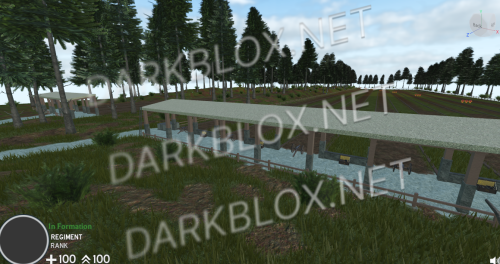 Oh no dont worry im not that stupid, this shit is free already i got it from somewhere else, tough just wondering how to set it up
 -
Hello, how do you set this up?, once i start the game i get this loading screen and never loads up
-
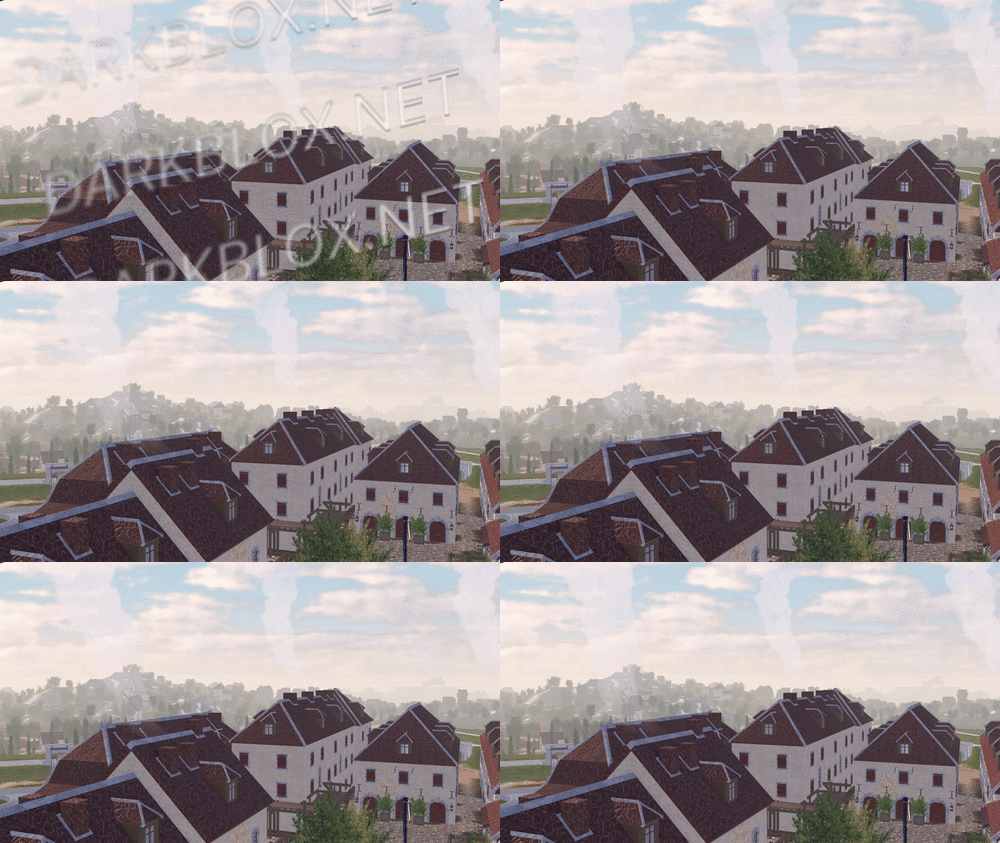 It's good but i need help, i did all the tutorial but once i start the game i fall to the ground.
- 18 comments
- 14 reviews